Blog | Article

Different types of boards that create impact in Boards on Fire

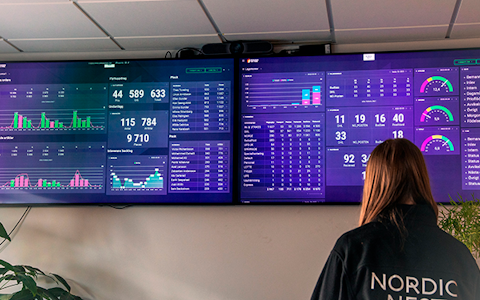
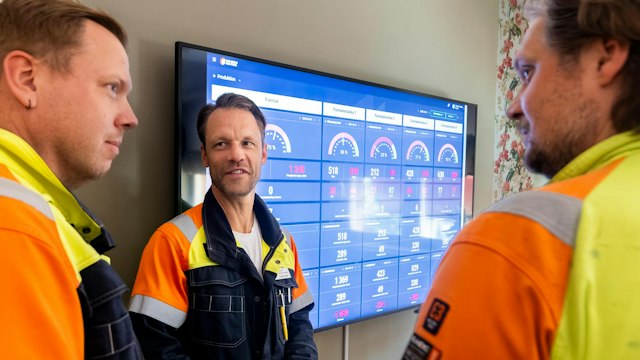
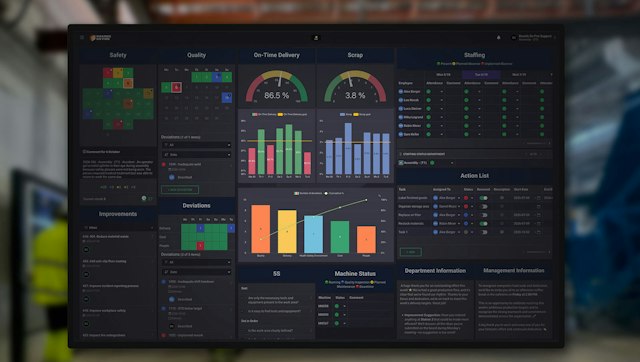
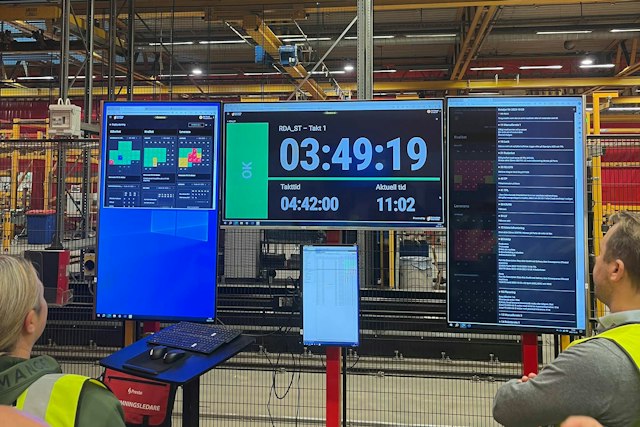
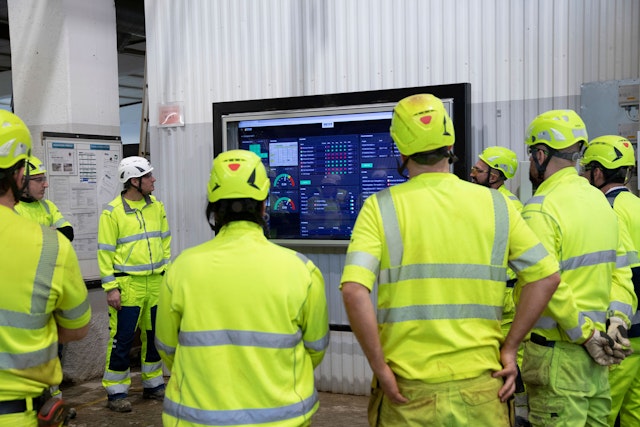
Daily management and pulse meetings are key to clarity, engagement, and continuous improvement in manufacturing organizations. With Boards on Fire, you can visualize your operations in real time on digital boards, enabling better decision-making, clearer priorities, and more effective daily management. In this article, we present different types of boards, when they are used, and how they can help you build an effective visual management system.

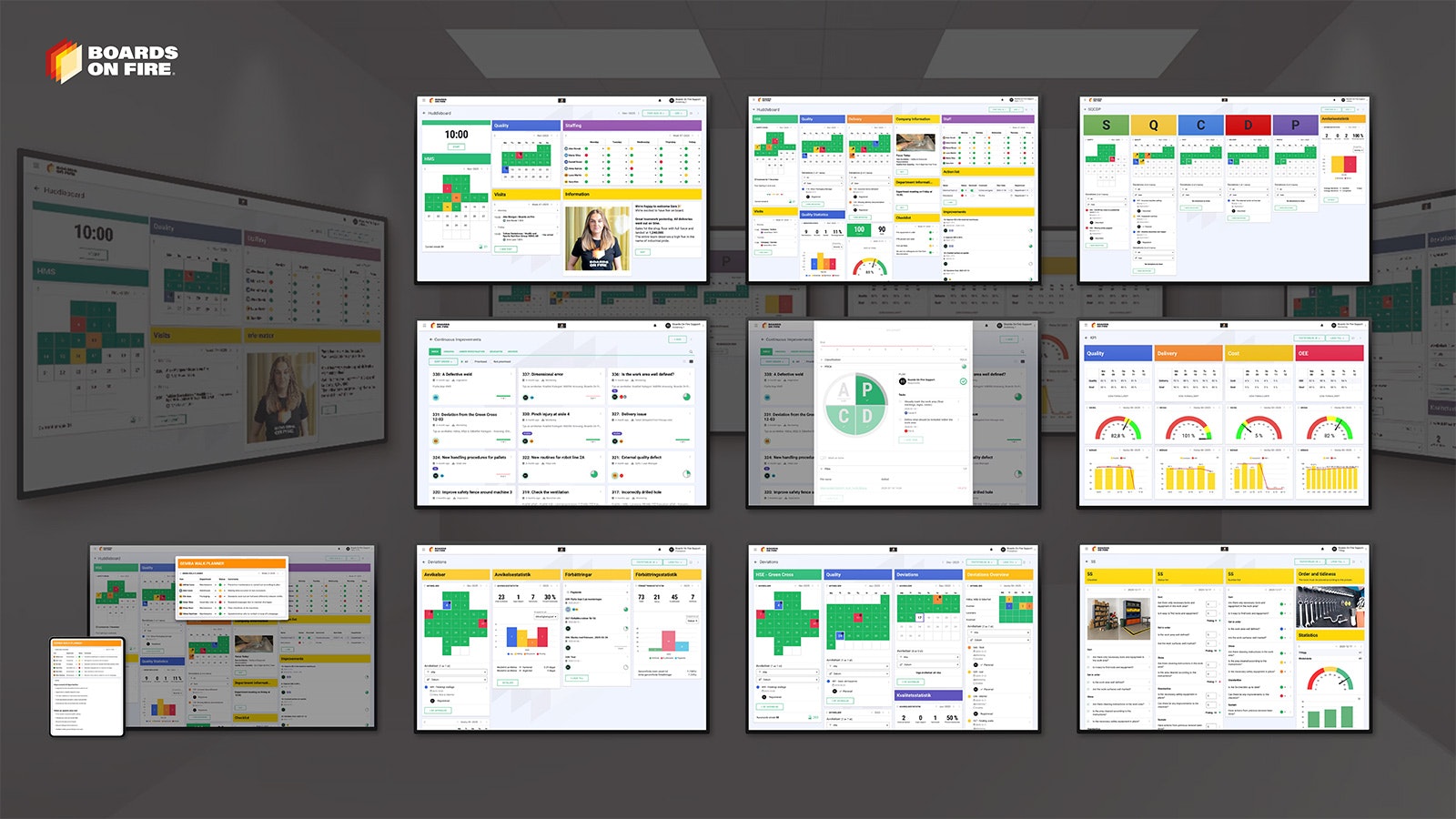
Boards on Fire offers several different types of digital boards, tailored to different needs, roles, and ways of working within the organization. Some boards are designed for teams that want to follow daily activities and KPIs, while others give management an overview of results, projects, and strategic goals. Whether the purpose is to manage production, follow up on improvement work, or visualize project status, the boards can be customized to provide the right information to the right person at the right time.

Below, we present some of the boards that our customers use and appreciate the most. Some features are add-ons that are not always included in the standard packages. Read more here.

Simple Pulse Board

Mockup på Boards on Fire Enkel Pulstavla

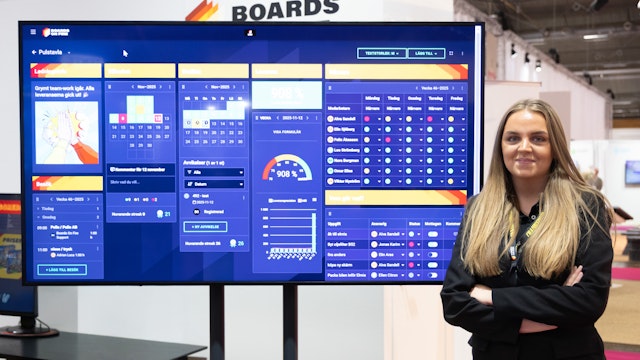
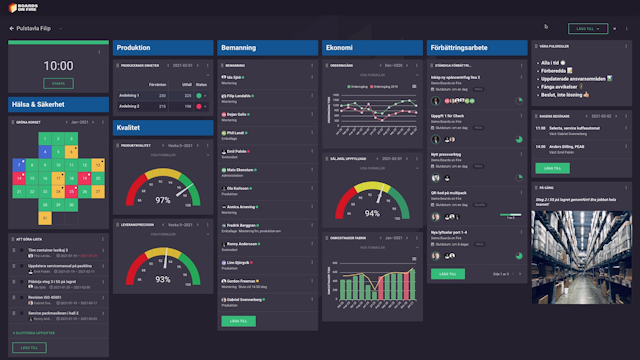
The simple pulse board is often a natural starting point for teams that are new to daily management. The board provides a clear overview of operations and aims to create a shared understanding of what needs to be done. For example, it can display activities, staffing, health and safety, and any deviations that could affect the work. One of the major advantages of this board is that it is both easy to use and easy to understand.

Examples of content:

  • Staffing
  • Checklists
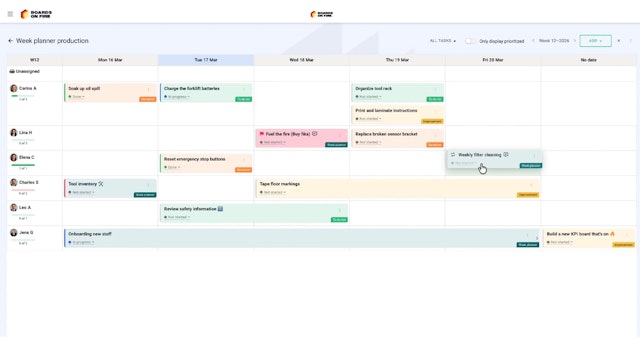
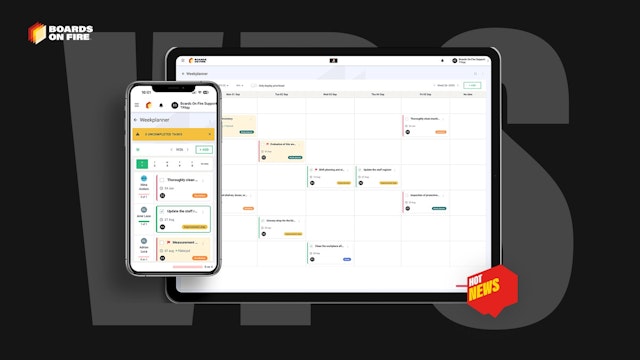
  • Weekly planning
  • Quality

Benefits:

  • Structured and clear
  • Easy to administer
  • Easy to understand

Management Board

Mockup på Boards on Fire Pulstavla avancerad

The management board is primarily used by managers and leadership teams to follow up on operations at a more overall level. Here, goals and outcomes, key performance indicators, and strategic initiatives from across the organization are aggregated and consolidated in a way that makes it easy to quickly see what is on track and what requires action.

In addition to the above, management boards create a clear connection between teams, departments, and the leadership group, making it easier to prioritize, make decisions, and follow up on responsibilities over time. With Boards on Fire, important information can also flow automatically between different levels of the pulse meeting structure, ensuring that everyone gets the right insight at the right time.

Examples of content:

  • Goals and KPIs
  • Status of initiatives and projects
  • Risks and decision points

Benefits:

  • Creates transparency
  • Facilitates prioritization
  • Clarifies responsibility and follow-up

KPI Board

Mockup på Boards on Fire KPI-tavla

The KPI board is used to follow up on the organization’s most important key performance indicators. By visualizing targets, outcomes, and trends, a fact-based foundation for dialogue is created in pulse meetings. The board clearly shows what is going well and where actions are needed.

When KPIs are discussed regularly in daily work, follow-up becomes a natural part of the process rather than something that happens afterward in report form.

Gemba Walk Board

Mockup på Boards on Fire Gemba Walk Planner

A Gemba Walk is a Lean method in which leaders visit the actual workplace to observe processes, ask questions, and gain a true understanding of how work is performed. By visiting the workplace and observing processes, management gains insights that go beyond reports and assumptions.

In Boards on Fire, it is possible to create a Gemba Walk board to structure the observations made in the operation. This helps leaders gain a deeper understanding of the business and make reality-based decisions. 

Read more about Gemba Walks here!

SQCDP Board

Mockup på Boards on Fire SQCDP-tavla

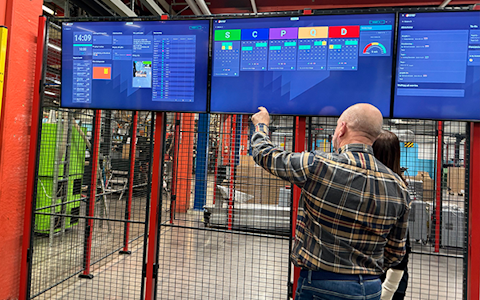
The SQCDP board is one of the most established boards in daily management. It provides a holistic view of the operation by bringing together safety, quality, cost, delivery, and people in one place. During the pulse meeting, each area is reviewed to quickly identify deviations and trends.

The advantage of SQCDP is that it creates balance. Instead of focusing on individual KPIs, the team gains a shared understanding of how different parts of the operation are connected and affect each other. In Boards on Fire, everything works in a user-friendly digital format.

Examples of content:

  • Safety incidents
  • Quality deviations
  • Delivery precision
  • Cost deviations
  • Employee-related issues

Benefits:

  • Holistic view of the operation
  • Fast identification of deviations
  • Clear structure for the pulse meeting

Read more about how you can work with SQCDP in Boards on Fire here!

5S Board / 5S Components

Mockup på Boards on Fire 5S-tavla

The 5S board supports work with order, cleanliness, and standardization in the work environment. The board is used to visualize the current state, follow up on 5S activities, and ensure that agreed standards are followed. Results from audits as well as improvement actions that need to be implemented are often visualized.

By working continuously with a 5S board in Boards on Fire, you can create more stable ways of working, a better work environment, and reduced waste. The board serves as concrete support to keep 5S work alive over time and can be visualized in the form of checklists, status lists, and numbered lists.

Examples of content:

  • 5S checklist
  • Audit results
  • Actions and responsibilities

Benefits:

  • Improves the work environment
  • Creates stable ways of working
  • Reduces waste

Deviation Management

In Boards on Fire, you can identify, manage, and follow up on deviations to prevent problems from recurring or affecting the production flow.

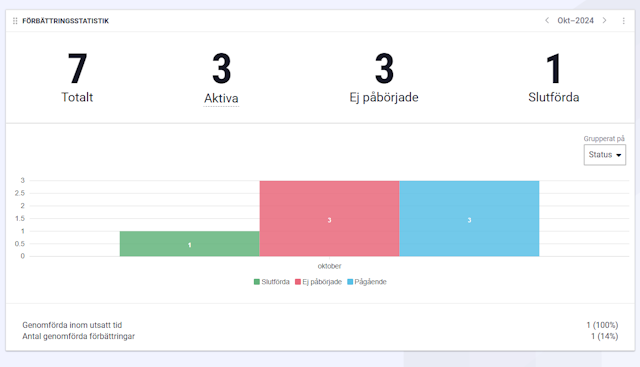
By working with deviation management in Boards on Fire boards, teams can shift focus from firefighting to learning and continuous improvement. Deviations become visible to everyone, and responsibility for follow-up is clearly defined. In addition, the system offers features for creating and managing deviations in a monthly calendar, as well as modules that display summarized statistics for analysis and follow-up.

Examples of content:

  • Deviations
  • Deviation statistics
  • Improvements
  • Improvement statistics

Benefits:

  • Clear deviation process
  • Clear and structured documentation
  • Visibility for the entire team
  • Statistics and follow-up

Effective Obeya Meetings with Boards on Fire

Mockup på Boards on Fire Obeya rum

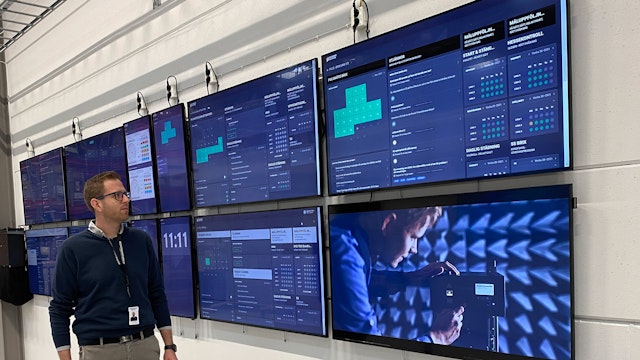
An Obeya meeting is a powerful method for creating alignment, faster decision-making, and clear follow-up in organizations that want to work more strategically and data-driven. Together with Boards on Fire, Obeya becomes not just a meeting—but a hub for governance, collaboration, and continuous improvement.

Obeya, which means “big room” in Japanese, is a method rooted in Lean and the Toyota Production System. In an Obeya meeting, the leadership team or a team gathers around shared visual surfaces where strategy, goals, KPIs, risks, and initiatives are followed up in real time.

With Boards on Fire, you get a modern and digital Obeya solution that works just as well for physical, hybrid, and fully digital teams.

The platform brings everything needed for effective Obeya meetings together in one place:

  • Strategic goals and priorities
  • KPIs and follow-up
  • Initiatives, projects, and dependencies
  • Risks, obstacles, and actions

All information is visualized in clear dashboards that make it easy to see the big picture, and act on what truly matters.

Kaizen Board for Continuous Improvement

Mockup på Boards on Fire Ständiga förbättringar tavla Mockup på Boards on Fire Ständiga förbättringar PDCA tavla

A Kaizen board for continuous improvement is a visual hub in Boards on Fire where improvement ideas are collected, structured, and followed up. The board makes Kaizen tangible by showing all improvements in a shared flow, from idea to implemented action, instead of improvement work being scattered across emails, meeting notes, or someone’s memory.

Each improvement is visualized as a card with a clear description, owner, and status. By linking each improvement to the PDCA cycle (Plan–Do–Check–Act), it becomes easy to see where in the process the improvement is: planned, tested, followed up, or standardized. The PDCA visualization on the board ensures that improvements are actually completed and do not get stuck in an endless “good idea, we’ll do it later.”

Examples of content:

  • Improvement proposals
  • Effort, impact, and risk
  • File management

Benefits:

  • Increases engagement
  • Improvements are implemented more often
  • Nothing is forgotten

There is no universal solution when it comes to pulse boards and daily management. Often, the best solution is a combination of several different boards, tailored to the organization’s needs, goals, and level of maturity.

At Boards on Fire, we help organizations design and implement pulse meetings and visual management that work in practice, and that create real impact in everyday work.

https://www.datocms-assets.com/56488/1661955034-emil-palren-22.jpg

Emil Palrén

Graphic Designer

Happens at Boards on Fire

Latest from the blog

Free web demo
We can tell you all about Boards on Fire. But it's easier to show you. Our web demo gives you the basics in 30 min.