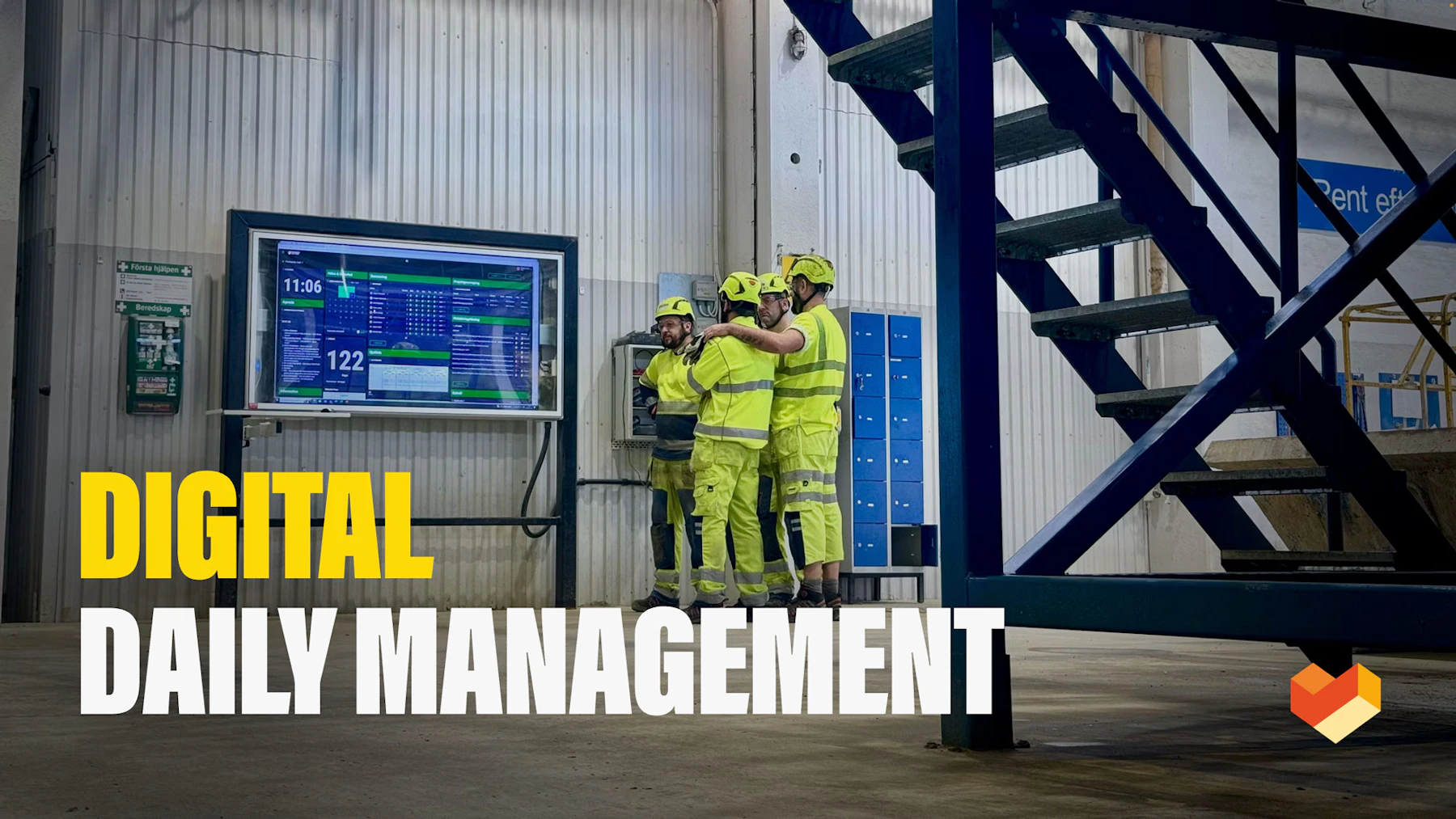
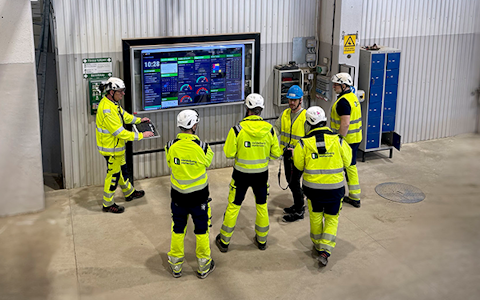
Digital dashboards that help you identify deviations and make the right decisions.
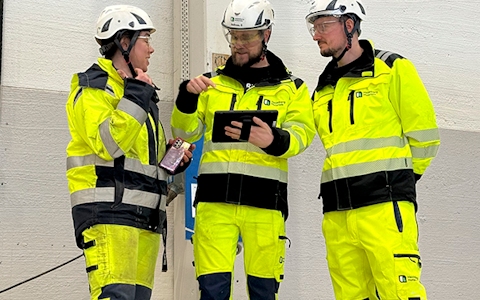
Continuous improvement, Kaizen boards, PDCA and other tools.
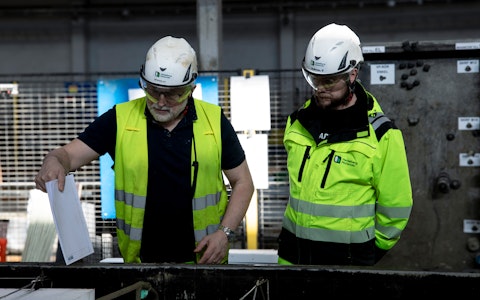
Capture your deviations and turn them into improvements

Real-time control for takt-based production. Detect disruptions as they happen, respond faster, and keep production on pace.

Integrate Boards on Fire with ERP, MES, OEE, Power BI and other systems. Automate data flows, reduce administration and act faster.
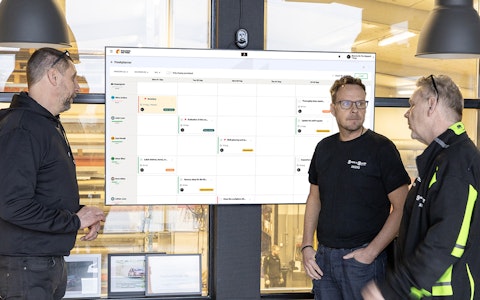
All your team’s tasks, neatly organized in one weekly view.
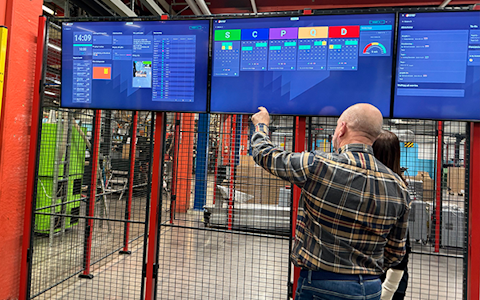
Improve key performance indicators within your specific focus areas with our SQCDP board.
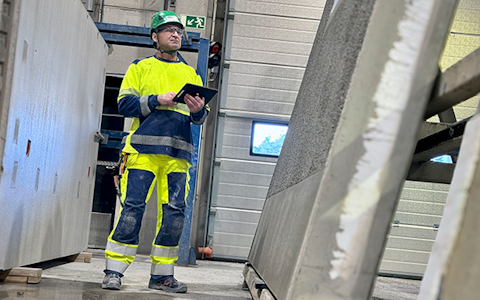
Use the PDCA cycle as a tool to improve both quality and processes
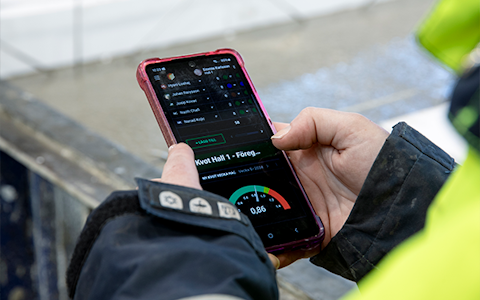
Digital tools for 5S work, recurring audits, and a well-organized workplace.
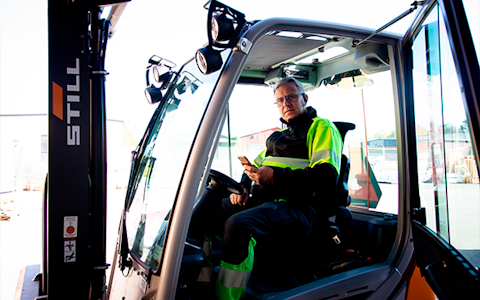
Basic project management and activity boards.
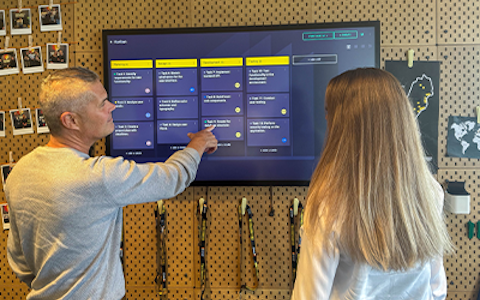
Kanban is a powerful method for visualizing, managing, and optimizing workflows.
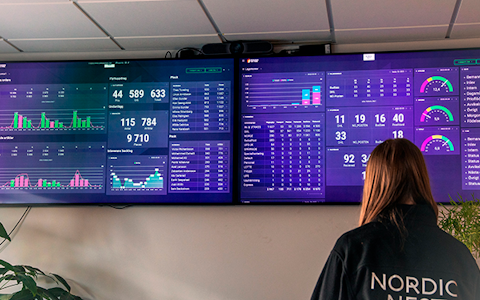
Visualize KPIs and communicate effectively throughout the entire organization.
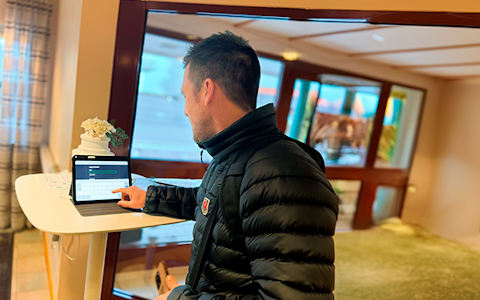
Digital visitor registration provides full control over all planned and executed visits to your business.
We are very happy to welcome you on this journey of continuous improvements. Boards on Fire is more than just a tool – it’s a platform where ideas grow, employees stay engaged, and deviations turn into improvements.
We understand that every business is unique and that your needs are specific. That’s why we are always available to ensure you get the most out of Boards on Fire. Whether you have questions about features, need assistance to maximize your usage, or simply want to discuss how you can develop your workflows – we are here for you every step of the way!
Firestarters — that’s what we call our key contacts at each customer. Firestarters are the people responsible for Boards on Fire (BoF) within your organization. They participate in the onboarding process and become the system’s main administrators. They are the primary point of contact for our support team and the ones who communicate with us if you want to further develop your BoF environment with additional functionality in the future.
Choosing the right Firestarters is essential to ensure a smooth onboarding and to help you get the most out of BoF. We recommend appointing at least two, preferably three or four, Firestarters per site. These should be people who have a strong understanding of the needs you want to meet using BoF solutions. Have the mandate to make decisions about the design and practical use of BoF in your organization. Can allocate sufficient time to participate in the onboarding process.
The onboarding is the first step on what we hope will be a long and value-creating journey together with Boards on Fire. During the onboarding process, our Customer Success team ensures that you have the right conditions in place to maximize the value of our solutions in your organization.
The goal of onboarding is to help you get started with Boards on Fire in the best possible way. It includes two main parts:
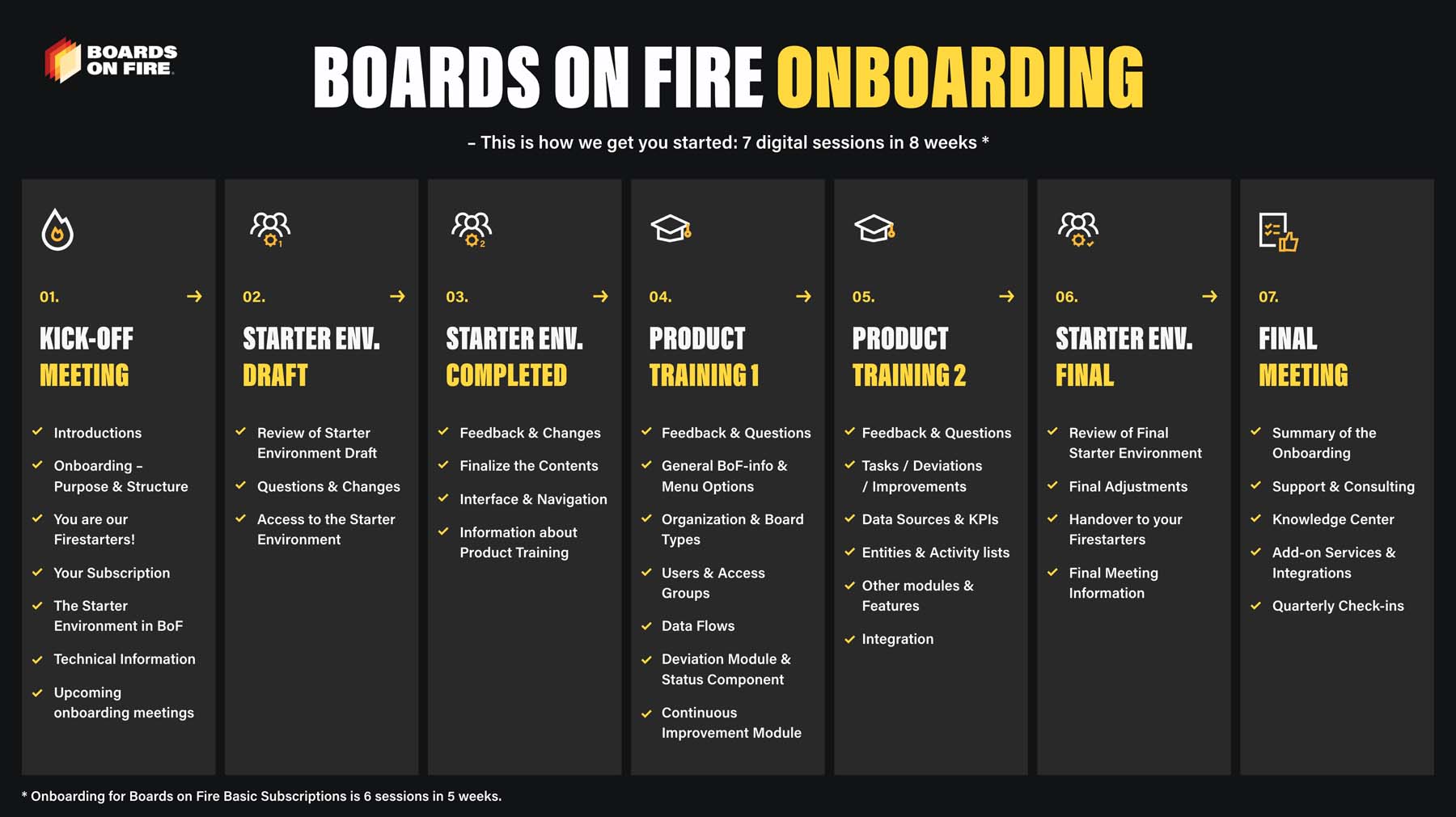
We conduct the onboarding completely digitally through 6–7 meetings over 5–8 weeks, depending on the subscription package you have chosen — Basic, Pro, Premium, or Enterprise.
During onboarding, we build your Starter Environment in BoF based on the features included in your subscription, tailored to your organizational structure and needs. In the Starter Environment, we primarily focus on putting the most important KPIs and areas of your daily management in place.
If you already have a well-functioning structure for daily management, we build upon that — combined with the digital advantages of Boards on Fire. Alternatively, we create your Starter Environment based on one of Boards on Fire’s standard daily management boards.
In addition to the sessions we dedicate together to shaping the content of your Starter Environment, we also include a number of pure training sessions during onboarding. We then go through the most important parts of Boards on Fire step by step, showing how to use the system’s different features, modules, and components in the best way. We also explain how you can integrate other systems in your organization with Boards on Fire.
The goal is that after completed onboarding, you fully understand how the Starter Environment we built together works and have enough knowledge to continue working in Boards on Fire and develop your boards independently.
When we build your Starter Environment in Boards on Fire during onboarding, it is very helpful to receive a clear picture early on of how you currently work with daily management in your organization. Good input material makes digitalization and further development in Boards on Fire easier.
Such material can consist of for example:
A description of how the organization is structured into teams, departments, units, shifts, production management, support functions, plant management, etc. Especially focusing on all groups that hold their own daily management meetings at various levels within the organization.
Information about which areas and specific KPIs you prioritize in your daily management, e.g. health/safety, production output, quality, delivery, costs, staffing, utilization, continuous improvement work, general company information, etc.
Photos of existing whiteboards or other meeting and information boards, along with explanatory notes about the content.
To get started as quickly and efficiently as possible, it’s a good idea to set a goal with one or more departments that you consider suitable to begin the implementation process.
Also, make sure the hardware is in place, even if it’s not the long-term equipment you plan to use.
Find your Firestarters! There are often a few employees who are particularly interested in this type of implementation – find them and bring them on board early in the process.
Last but not least, we want to remind you of the material mentioned earlier – the more information you provide, the more efficient the initial implementation will be.
What happens after onboaring? Don’t worry, we’re not letting go. Once we’ve handed over the platform to you, we’ll continue to stay in touch through quarterly check-ins, where we’ll share thoughts and ideas for further development and assist you with any questions or configuration needs you have. Boards on Fire is a tool for improvement that grows with you and can easily be developed further.
Your Boards on Fire subscription includes support for questions and any issues that may arise related to the use of the functions in your specific BoF environment. Support is provided to the contact persons (Firestarters) you have appointed and is handled via email to support@boardsonfire.com
In addition to the free support, you may also hire our Customer Success team if you want help making changes to your BoF environment after the onboarding. We charge per hour according to the current consulting rate. It is also possible to book customized workshops, which we can conduct as half-day or full-day sessions.
Boards on Fire is a responsive cloud-based solution, meaning that the boards automatically adjust to the device you are using. Whether you choose to use a mobile phone, tablet, computer, or an 85-inch TV, Boards on Fire runs smoothly. Since it is a cloud-based solution, the tool is accessible wherever you are, as long as you have an internet connection.
Boards on Fire works best on a large TV screen, where both content and viewers have plenty of space. Many of our clients prefer screens between 65 and 85 inches to clearly see what is displayed on the boards and to maximize the experience.
Some of our clients use touch screens, which can provide additional smooth interactivity. However, we would like to point out that the browsers built into touch screens often have lower quality, which can affect the user experience.
If you are not using a TV with a built-in browser, you can easily connect a computer to the screen. It doesn’t require anything complex – a mini-PC or a simple laptop works perfectly!
Boards on Fire is generally supported by all major browsers, but we cannot guarantee it will work flawlessly on all of them. The browsers we know work best are:
To ensure optimal performance, you should have a stable internet connection, especially if your BoF boards are data-intensive. For the best connection, we recommend placing the computer near a router or connecting via Ethernet cable.
All components are updated in real time. This means that if a board is displayed on a TV screen on the factory floor, and a user makes an update to the board from their mobile, the changes will immediately appear on the TV screen and all other screens displaying that board.
You will receive access to your environment via an email invitation to the platform as soon as we have our first draft ready. Click the green “Set Password” button in the email to create a personal password. Once this is done, you can easily follow the setup guide, where you choose the language and adjust the color theme to your preferences. When everything is set up, you can use the link yourcompanyname.boardsonfireapp.com to log in and get started right away! Boards on Fire is designed to work smoothly on all devices – whether you use a PC, mobile, or large screen, and with your unique user, you can log in to multiple devices simultaneously.
If you encounter any questions or issues along the way, you can always search for answers in our Knowledge Center. It also offers inspiration on work methodologies, LEAN, how other customers use BoF, and much more!
If you can’t find what you’re looking for, our support team is always ready to help. Send an email to support@boardsonfire.com, and we will ensure that you get quick and efficient assistance! Our goal is to respond within 24 hours and offer top-notch service. We are truly excited to be a part of your everyday journey and look forward to helping you achieve a smooth operation and continuously improve every day.