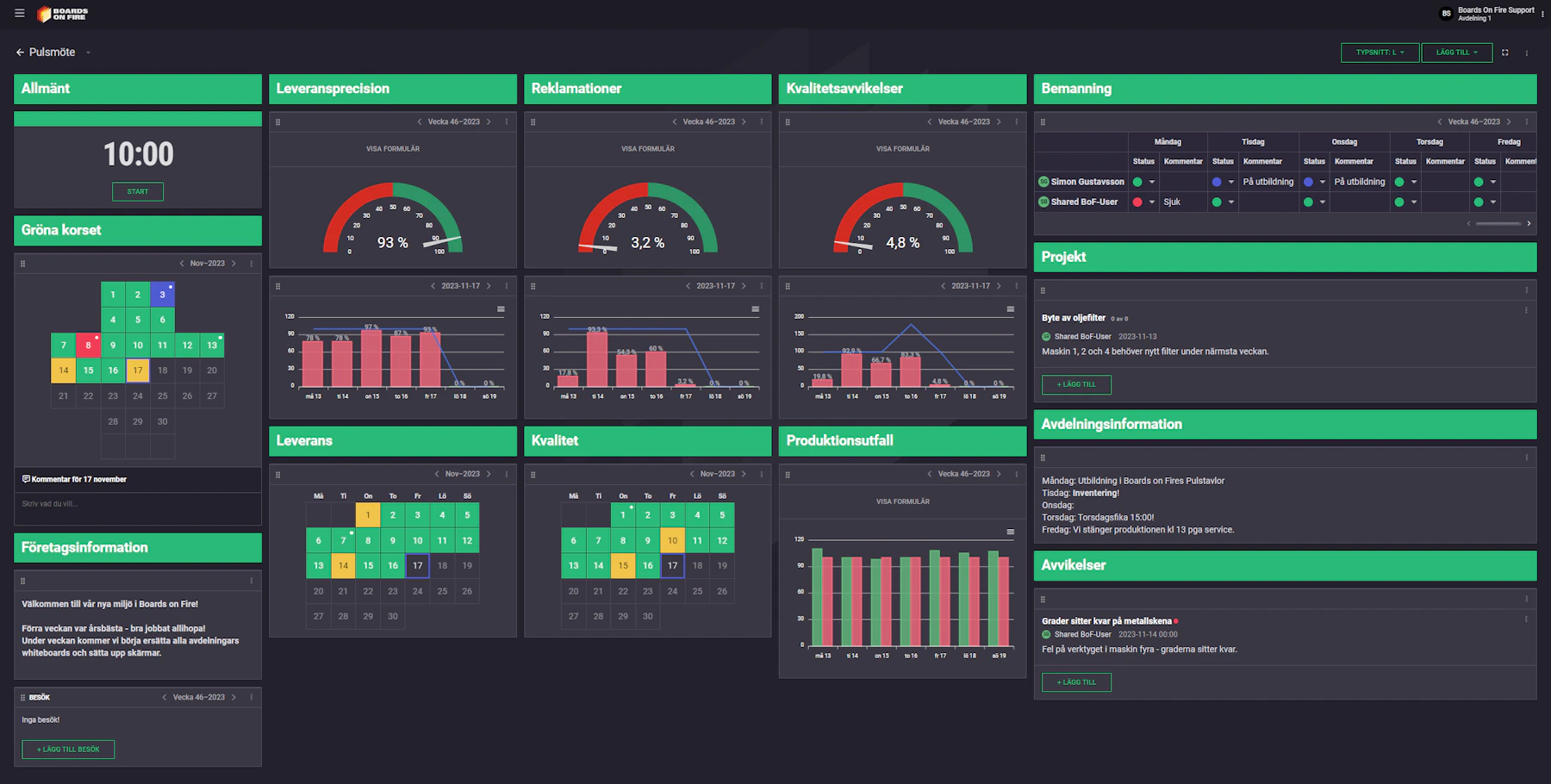

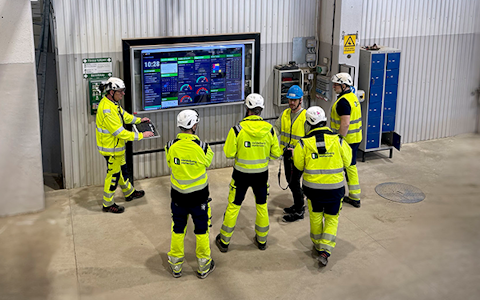
Digital dashboards that help you identify deviations and make the right decisions.
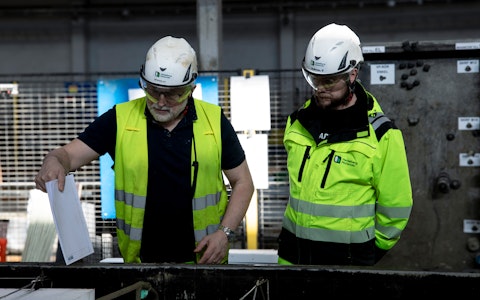
Capture your deviations and turn them into improvements
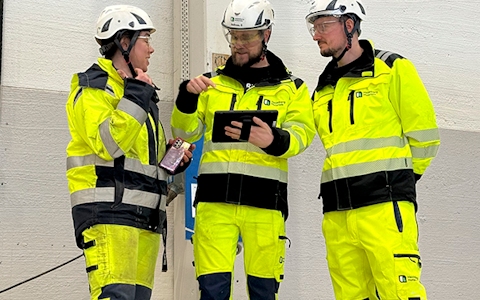
Continuous improvement, Kaizen boards, PDCA and other tools.
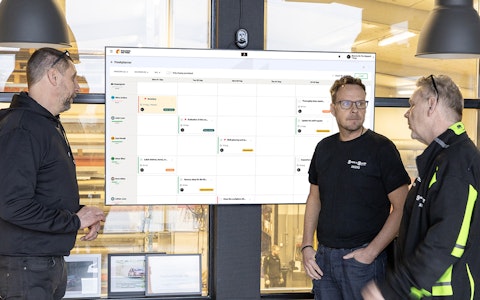
All your team’s tasks, neatly organized in one weekly view.
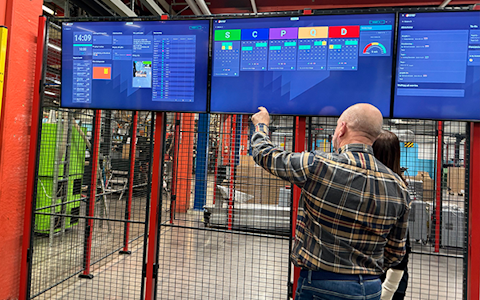
Improve key performance indicators within your specific focus areas with our SQCDP board.

Use the PDCA cycle as a tool to improve both quality and processes
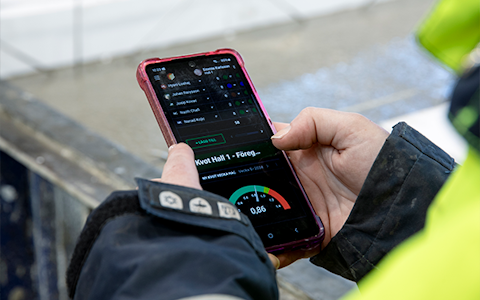
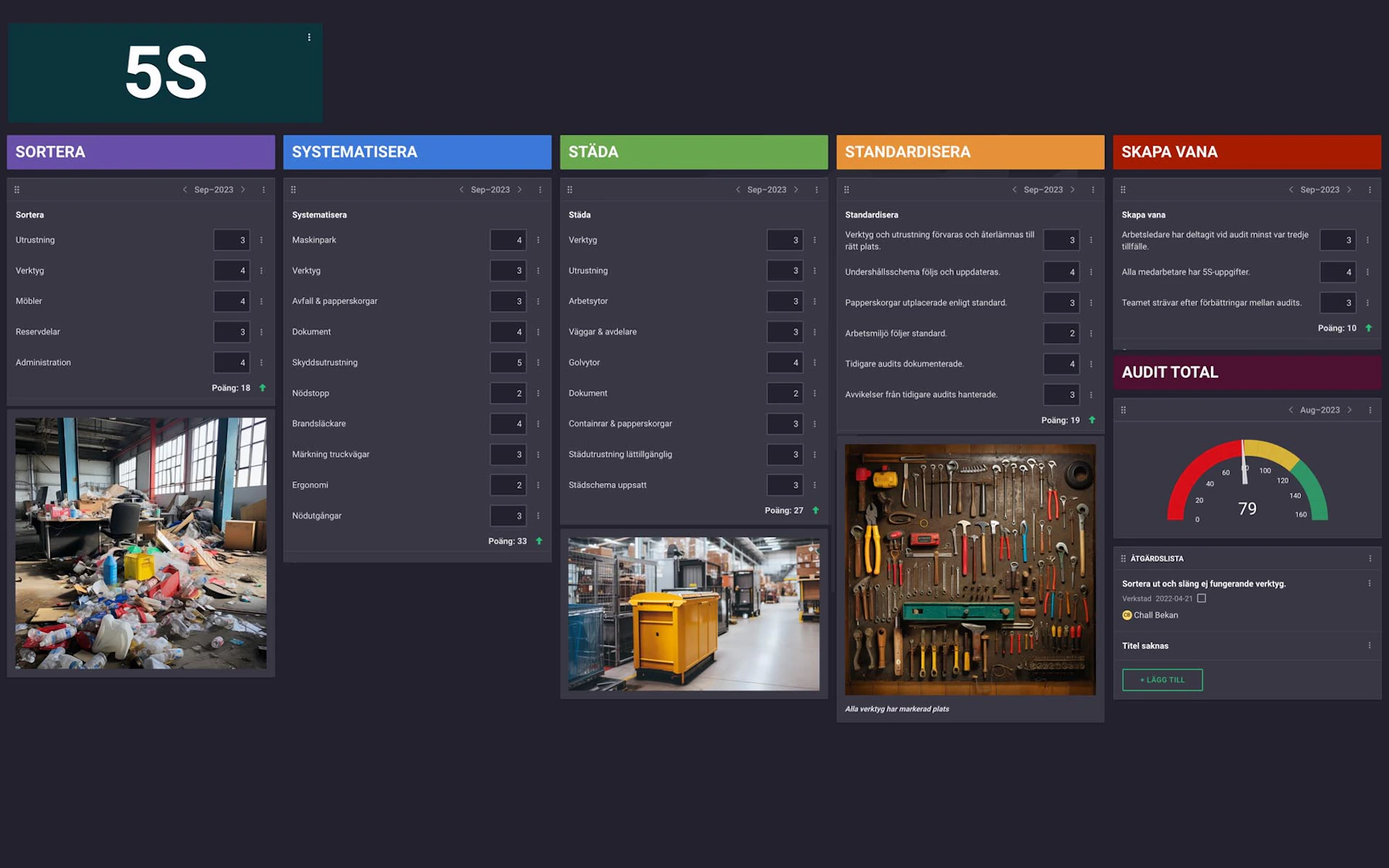
Digital tools for 5S work, recurring audits, and a well-organized workplace.
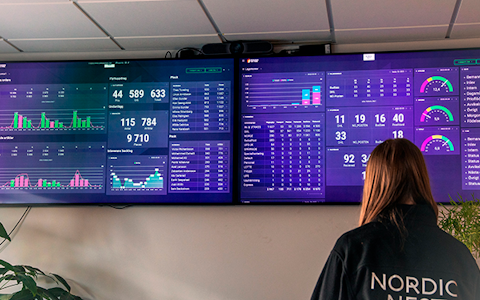
Visualize KPIs and communicate effectively throughout the entire organization.

Basic project management and activity boards.
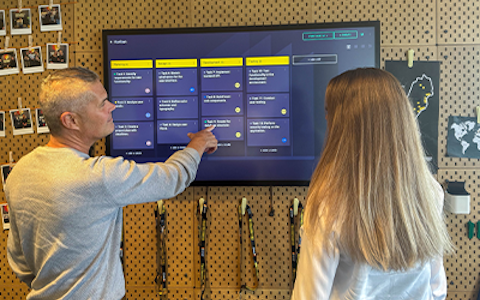
Kanban is a powerful method for visualizing, managing, and optimizing workflows.

Digital dashboards for takt time flow with takt time counter and stop time log.
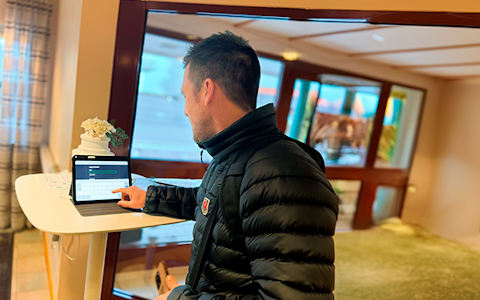
Digital visitor registration provides full control over all planned and executed visits to your business.
A Kanban board is a tool used to visualize and manage workflows. It consists of a board with different columns and cards representing various tasks or projects. The columns can represent different stages in the workflow, such as "to do", "ongoing", and "done".
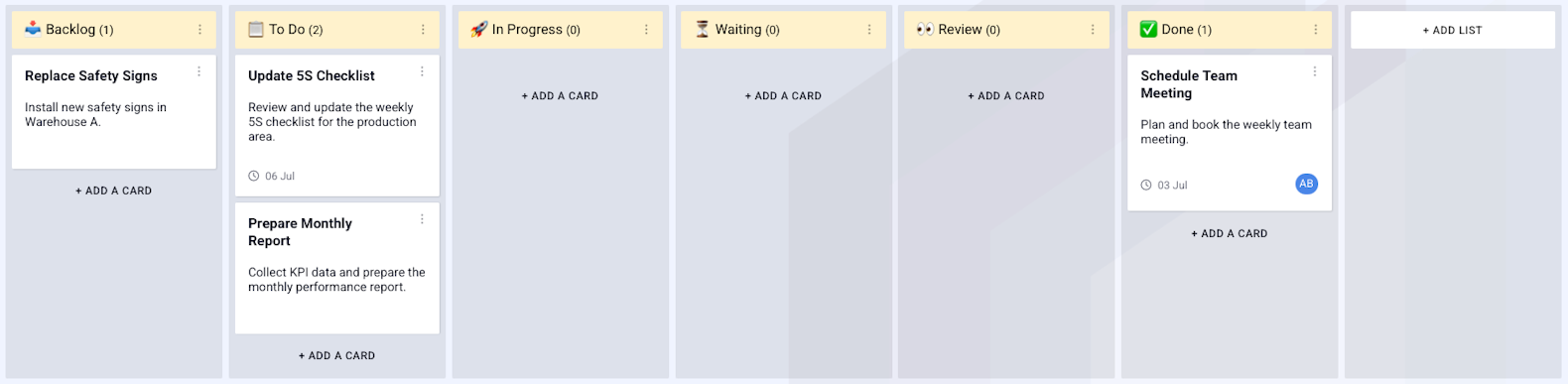
By moving the cards between the columns, one can easily keep track of where each task is in the process and what needs to be done. Kanban boards can be used in many different contexts, such as in project management, business development, and personal productivity.
To enable kanban your entity needs to containt two fields: "position" and a simple entity, in this case "kanban_columns".

Om dessa fält finns kan du under fliken allmänt, under visningsinställningar, slå på kanban.
If these fields exist you can toggle kanban under the tab general.
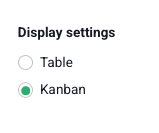
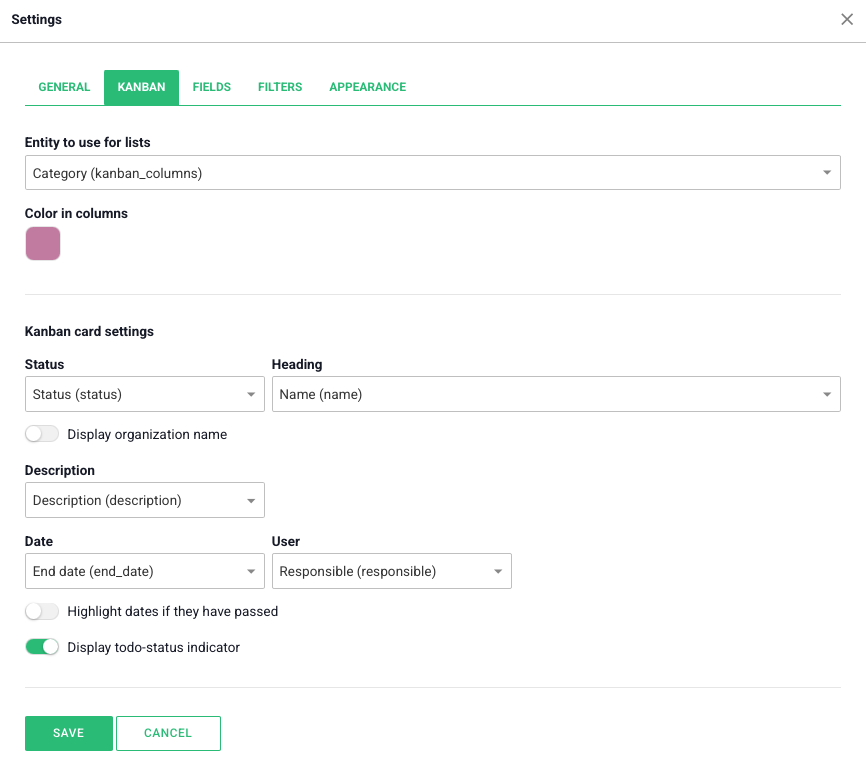
When kanban is toggled a new tab is visible in the boards settings. Here you can choose which simple entity the cards should be divided by, and the colors of the cards. Like for the list-view in the entity component you can here choose which of the fields in the entity should be displayed in the cards different areas.
Free web demo