

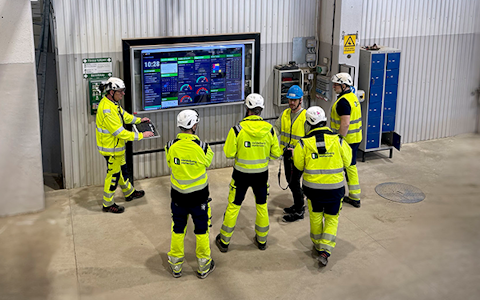
Digital dashboards that help you identify deviations and make the right decisions.

Capture your deviations and turn them into improvements

Continuous improvement, Kaizen boards, PDCA and other tools.
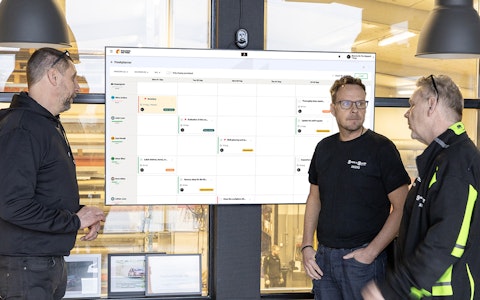
All your team’s tasks, neatly organized in one weekly view.
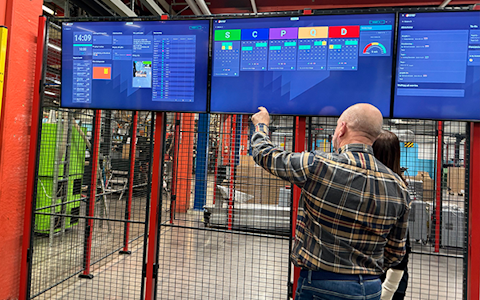
Improve key performance indicators within your specific focus areas with our SQCDP board.

Use the PDCA cycle as a tool to improve both quality and processes
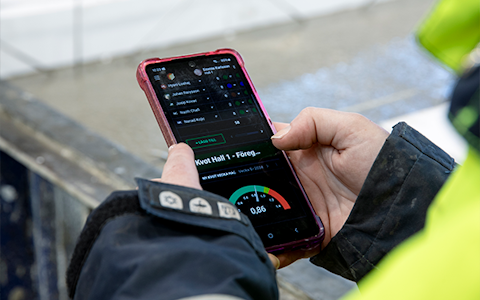
Digital tools for 5S work, recurring audits, and a well-organized workplace.
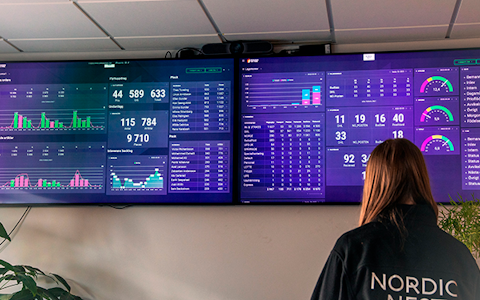
Visualize KPIs and communicate effectively throughout the entire organization.

Basic project management and activity boards.
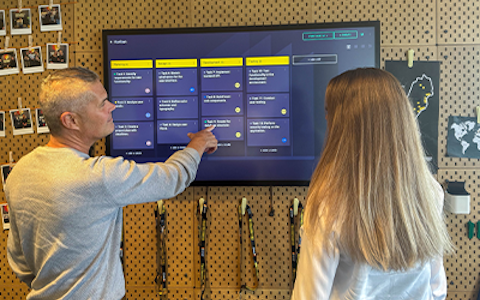
Kanban is a powerful method for visualizing, managing, and optimizing workflows.

Digital dashboards for takt time flow with takt time counter and stop time log.
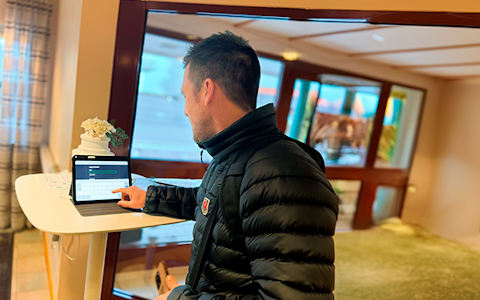
Digital visitor registration provides full control over all planned and executed visits to your business.
The Free Text component provides a completely open space on your board where you can enter any information you want, regardless of context or need. It serves as a customizable tool for documenting ideas, notes, or other essential information directly on the board. This component is highly versatile and suitable for all types of content, from brief notes to longer texts. Whether you want to use it to summarize a meeting, add a personal comment, or include important reminders, the Free Text component gives you full freedom to design the content exactly as you wish.

Thanks to its simplicity and adaptability, the Free Text component becomes an invaluable tool for your board. Since it doesn’t impose predefined rules on what you can write, it can be tailored entirely to suit your needs and workflows.
The content in the Free Text component is unique to the board where it’s created and does not spread to other parts of the system. This makes it an excellent tool for managing information that is strictly tied to a specific project, department, or task. You can freely input details that don’t need to be shared or synchronized with other boards, minimizing information overload and ensuring that each board retains its distinct focus.
From a user perspective, this allows you to customize each board to the specific context you’re working in. For example, you can use the Free Text component to record meeting minutes, project updates, to-do lists, or reflections that are relevant to that particular board without affecting other parts of the system. This isolation of information is especially useful when managing multiple projects simultaneously, helping you avoid mixing or duplicating information across different workflows.
Because the Free Text component doesn’t require synchronization with other boards, you can quickly and easily document ideas, thoughts, or instructions without worrying about how the information impacts other parts of the system. This makes it a powerful tool for individually tailored work, where flexibility and the ability to manage context-specific data are key.
The “Shared text” feature works similarly to regular free text, providing a space to write information directly on a board. What sets shared text apart is that it is linked to a specific entity. This allows the text to be aggregated or mirrored automatically based on the chosen entity.
Unlike other components, you can not manually control which organizations aggregate or mirror the text. Instead, this is determined by the entity in use. If the same entity is used in multiple places, the text will be synchronized and displayed identically across all those locations.
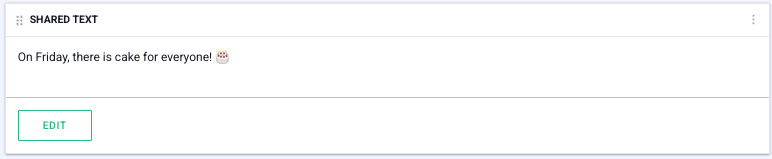
Shared free text is an efficient solution for creating a centralized information area that can be shared across various applications without requiring manual duplication of the content.
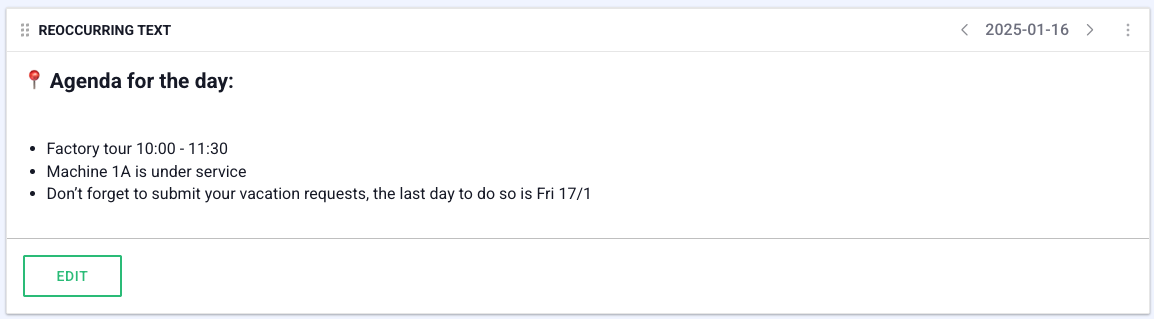
The "Reoccurring text" is a powerful tool for communicating important information to all employees in a simple and clear way. It serves as a central place where you can share news, updates, and other relevant information that needs to reach the organization.
“Recurring Text” works in the same way as "Regular text", but it also includes a calendar function.
This calendar function serves as an archiving solution. It allows for easy navigation and viewing of historical texts, providing traceability and the ability to revisit previously communicated information when needed.
For example, you can use recurring text to share daily information, reminders about monthly deadlines, or other scheduled updates.
Free web demo