

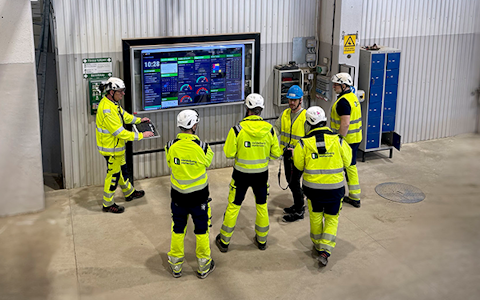
Digital dashboards that help you identify deviations and make the right decisions.

Capture your deviations and turn them into improvements
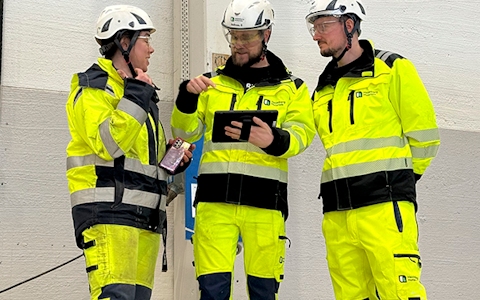
Continuous improvement, Kaizen boards, PDCA and other tools.
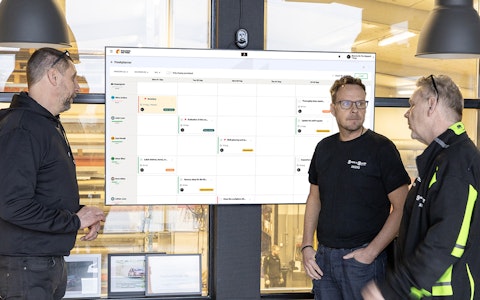
All your team’s tasks, neatly organized in one weekly view.
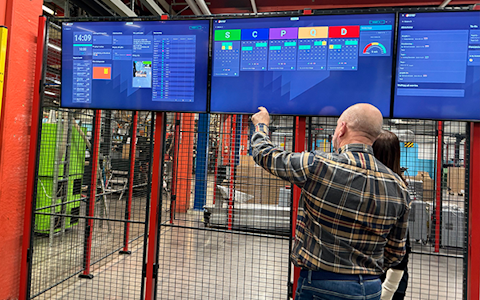
Improve key performance indicators within your specific focus areas with our SQCDP board.

Use the PDCA cycle as a tool to improve both quality and processes
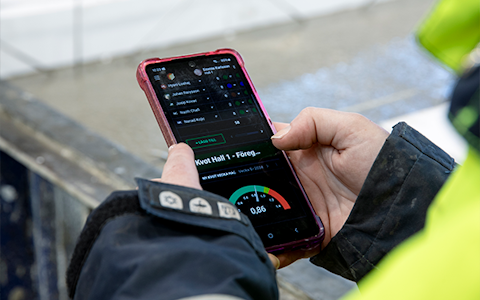
Digital tools for 5S work, recurring audits, and a well-organized workplace.
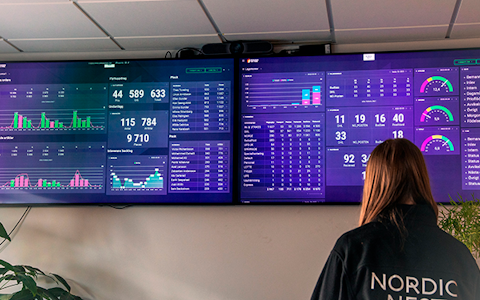
Visualize KPIs and communicate effectively throughout the entire organization.

Basic project management and activity boards.
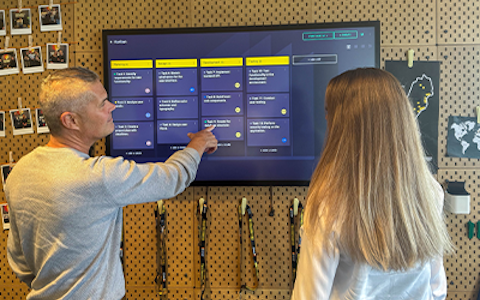
Kanban is a powerful method for visualizing, managing, and optimizing workflows.

Digital dashboards for takt time flow with takt time counter and stop time log.
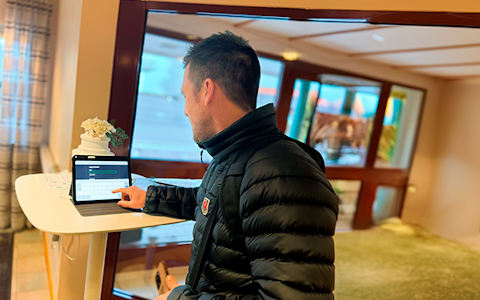
Digital visitor registration provides full control over all planned and executed visits to your business.
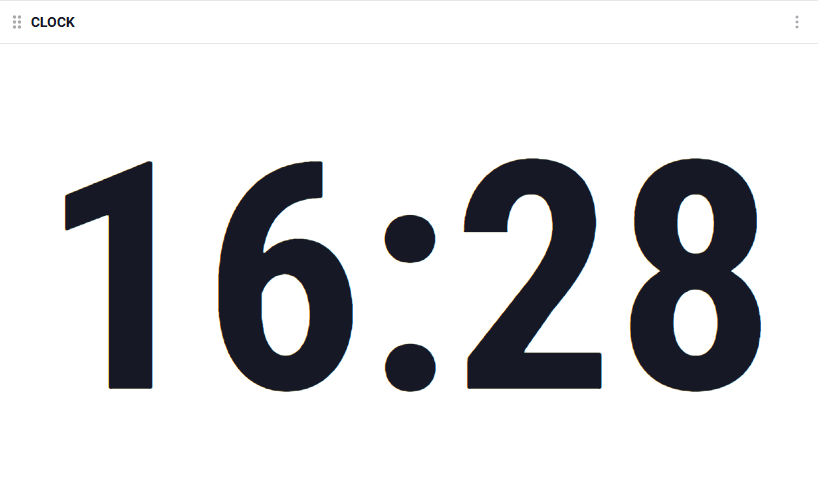
The clock component is a practical and user-friendly tool that can easily be added to your board to display the current time. It is synchronized with the system clock, ensuring it always shows the correct time without being tied to a specific time zone. This makes it a flexible option that works seamlessly no matter where you are.
The component is simple to use and requires no additional setup—once added, it works instantly. It enhances your board by helping you keep track of the time, making it especially useful during meetings, presentations, or real-time collaboration. A small but effective addition that simplifies your daily tasks!
 |
 |
In the settings of the component you can choose to show/hide the date and week number. You can also change colors of the numbers and background.
 |
 |
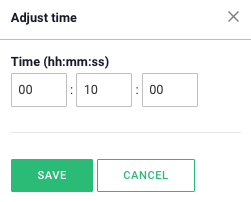
You can change the timer’s duration by clicking on the numbers directly in the component and entering the desired time. When you start the timer, a global header appears, keeping the time visible even if you navigate to other boards. This makes it easy to keep track of the countdown no matter where you are in the system.
The timer provides a convenient overview and reminder, ensuring you always know how much time is left for the ongoing activity, such as a pulse meeting.

Setting the Time
Free web demo