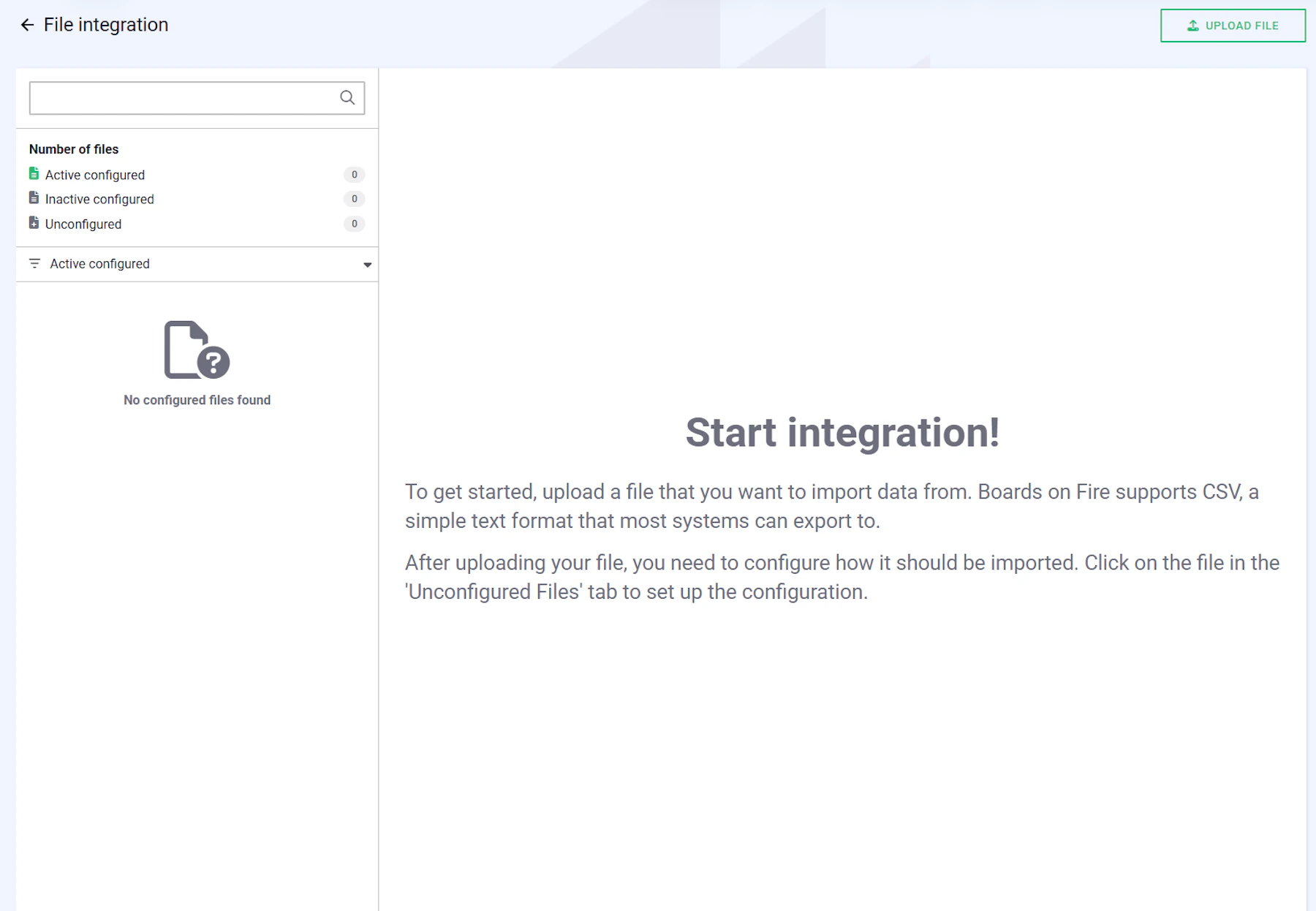


Digital dashboards that help you identify deviations and make the right decisions.

Continuous improvement, Kaizen boards, PDCA and other tools.

Capture your deviations and turn them into improvements

Real-time control for takt-based production. Detect disruptions as they happen, respond faster, and keep production on pace.

Integrate Boards on Fire with ERP, MES, OEE, Power BI and other systems. Automate data flows, reduce administration and act faster.

All your team’s tasks, neatly organized in one weekly view.
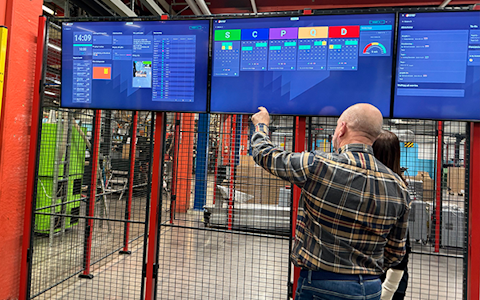
Improve key performance indicators within your specific focus areas with our SQCDP board.

Use the PDCA cycle as a tool to improve both quality and processes
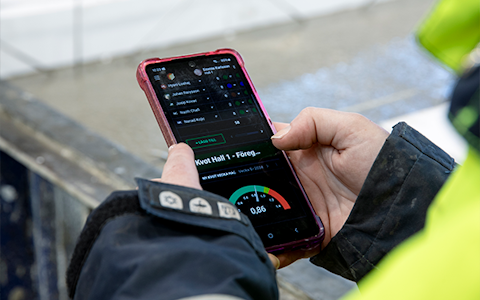
Digital tools for 5S work, recurring audits, and a well-organized workplace.

Basic project management and activity boards.
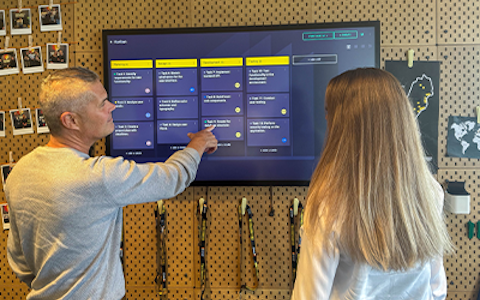
Kanban is a powerful method for visualizing, managing, and optimizing workflows.
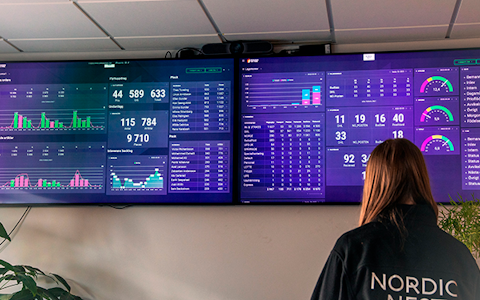
Visualize KPIs and communicate effectively throughout the entire organization.

Digital visitor registration provides full control over all planned and executed visits to your business.
This guide outlines the essential steps to prepare, upload, and manage CSV files for integration. Following these recommendations will ensure smooth processing, accurate data, and minimal troubleshooting.
A CSV file (Comma-Separated Values) is a text-based file format used to store tabular data. Unlike an Excel file, data is not stored in a spreadsheet but as text, where each row represents a data record and each column is separated by a delimiter, usually a comma or semicolon. The format is an established standard and can be automatically generated by many systems.
In a CSV file, each row represents a data record for a specific organization on a specific date. The required fields specify the date and organization, while the other columns contain the values to be sent to Boards on Fire.
A CSV file should only contain data that belongs to the same data source or entity. Do not mix different types of key figures in the same file (e.g. production figures and HR data). Each data source in Boards on Fire that will receive data needs its own CSV file.
The values in the CSV file must follow certain formatting rules to be read correctly:
The value must not contain semicolons (;).
The value must not contain quotation marks (").
Each value must be compatible with the field in Boards on Fire that it maps to.
The file name must be consistent throughout the life of the integration.
The file name must not be changed after the integration is configured.
The file name should not contain dates or time stamps.
Use a name that corresponds to the data source or entity (for example, OEE.csv).
If multiple files are used, each file must have a unique name.
Ensuring your file is prepared correctly is the first step to smooth and error-free integration. Following these guidelines will save time and avoid delays in your data import process.
Tip: Test your file before full upload to confirm formatting and prevent data errors. Create a test data source or entity to upload the test data to.
Using a secure transfer method ensures your data is protected during transmission. Follow these steps to maintain security and reliability.
Mapping ensures your data is understood by the system and ends up in the right place. Accuracy here prevents reporting errors later.
Keeping your database clean improves reporting accuracy and avoids confusion. These steps help you control data quality.
Tip: Test data updates on a small file before running them on full datasets.
If something goes wrong, use these checks to quickly find the cause and fix it.
Free web demo