


Digital dashboards that help you identify deviations and make the right decisions.

Capture your deviations and turn them into improvements

Continuous improvement, Kaizen boards, PDCA and other tools.
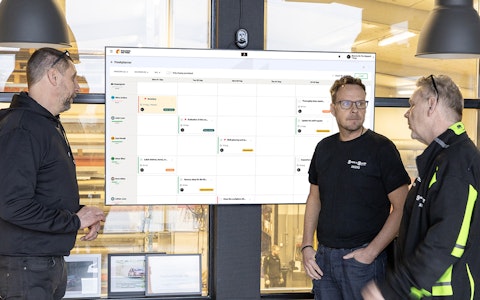
All your team’s tasks, neatly organized in one weekly view.
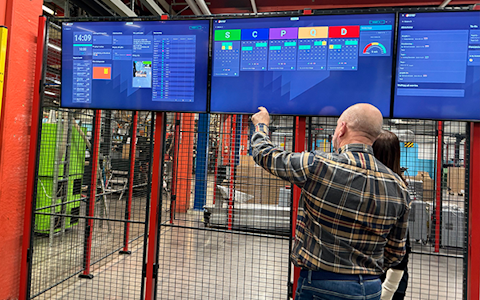
Improve key performance indicators within your specific focus areas with our SQCDP board.

Use the PDCA cycle as a tool to improve both quality and processes
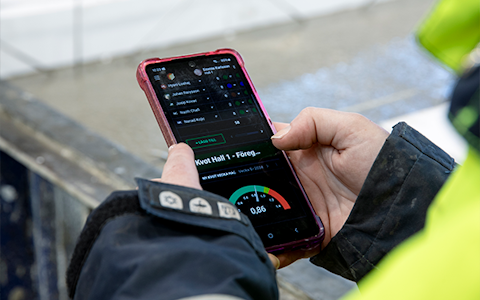
Digital tools for 5S work, recurring audits, and a well-organized workplace.
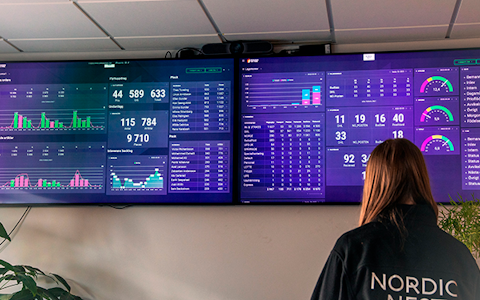
Visualize KPIs and communicate effectively throughout the entire organization.

Basic project management and activity boards.
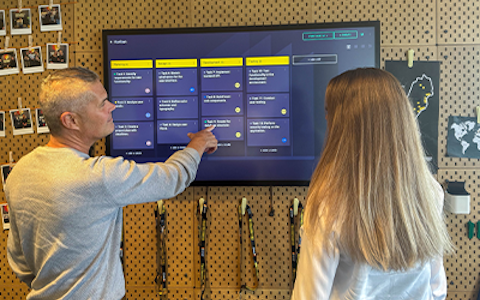
Kanban is a powerful method for visualizing, managing, and optimizing workflows.

Digital dashboards for takt time flow with takt time counter and stop time log.

Digital visitor registration provides full control over all planned and executed visits to your business.
The image carousel is a flexible and powerful component that allows you to present multiple images in a rotating view. This creates a visually appealing and engaging experience, ideal for showcasing your content in a professional and dynamic way.
Unlike a traditional image component, which only displays a single image at a time, the image carousel allows you to present multiple images in sequence. With its built-in automatic slideshow feature, you can seamlessly rotate between images, making it easy to capture and maintain your audience's attention.
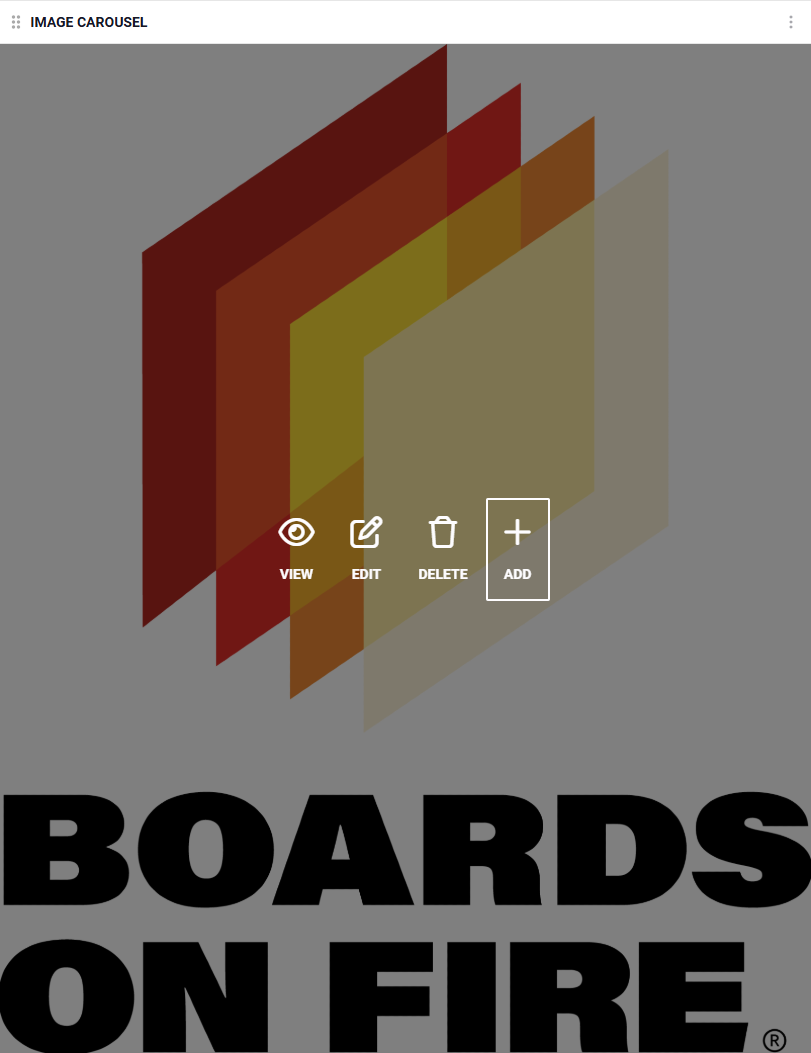
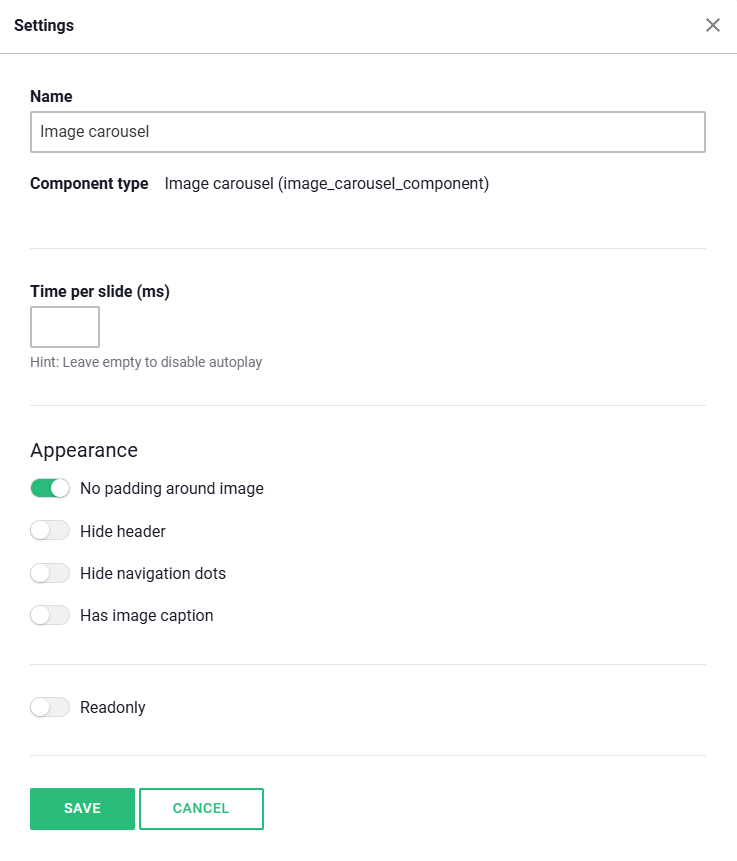
If you want the slideshow to play automatically, you need to specify how long each image should be displayed before moving to the next one. This setting can be easily adjusted by defining the time interval in the component's settings.
Once you have placed the component on your board, you will see two options directly within the component: "Settings" and "Add Image".

Select "Add Image"
Click the "Add Image" button to proceed to the next step. Here, you will have the option to choose the image you want to upload to the carousel.
Choose an Image from Your Library
In this step, you can easily upload an image from your existing image library or add new ones. Browse through your saved images and select the one that fits best for your carousel.

Preview and Edit
Once you have selected an image, you will enter a preview mode. Here, you can view your image and make any necessary adjustments, such as cropping, rotating, or modifying other settings to ensure it looks just the way you want.
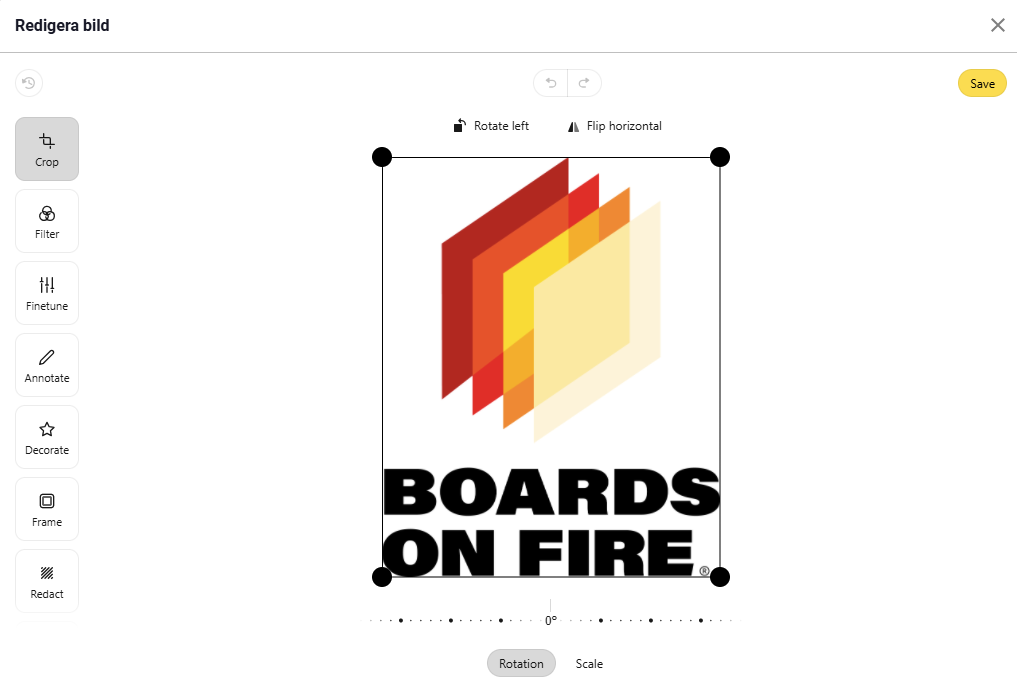
Save and Upload the Image
When you're satisfied with your edits, click "Save". The image will then be added to the carousel. To finalize, click "Save" once more, and your image will now appear in the carousel.
With these simple steps, you can easily add and customize images to create a professional and engaging carousel!
Free web demo