
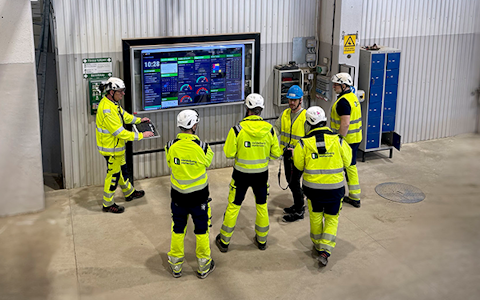
Digitala pulstavlor som hjälper dig att fånga avvikelser och fatta rätt beslut.

Fånga era avvikelser och förvandla dem till förbättringar.
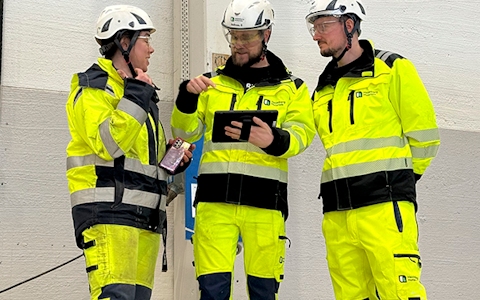
Digitala förbättringstavlor och andra verktyg för ständiga förbättringar
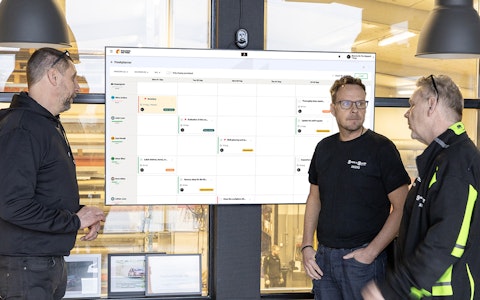
Få full koll på allt som ska göras med hela teamets uppgifter i en tydlig veckovy.
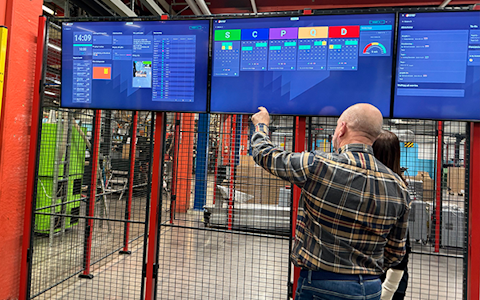
Förbättra viktiga nyckeltal inom just era fokusområden med vår SQCDP-tavla.

Använd PDCA-cykeln som ett verktyg för att förbättra både kvalitet och processer.
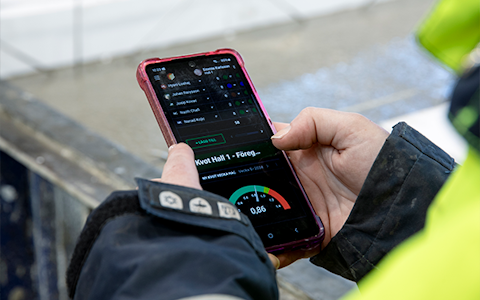
Digitala verktyg för 5S-arbete, återkommande audits och en välorganiserad arbetsplats.
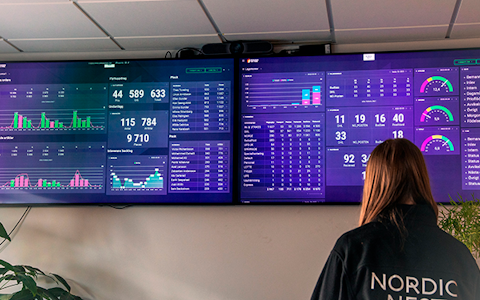
Visualisera nyckeltal och kommunicera effektivt i hela organisationen!

Enkel hantering av projekt och aktiviteter i Boards on Fire.
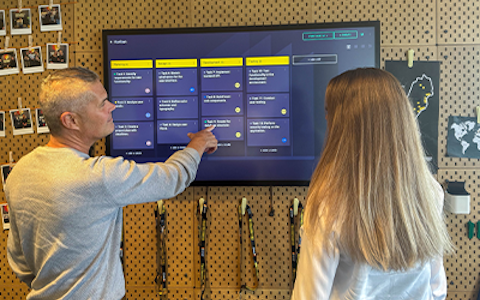
Kanban är en kraftfull metod för att visualisera, hantera och optimera arbetsflöden.

Digitala tavlor för taktat flöde med taktklocka och stopptid.

Digital besöksregistrering ger full koll på alla planerade och genomförda besök till verksamheten.
Boards on Fire provides a REST API for reading, creating, updating, and deleting data. To authenticate and access the API without using your personal username and password, you can create one or more API keys.
API keys are ideal for:
You can create multiple keys for different integrations and restrict key’s usage to specific IP addresses if needed.
Before you can create an API key, External API access must be enabled for your environment.
If it is not yet enabled, please contact our Customer Success team.
Important: Once displayed, the API key will not be shown again. If lost, you must generate a new one.
When making requests to the Boards on Fire REST API, include your API key in the request header:
x-api-key: YOUR_API_KEY
Gratis webbdemo
