


Digitala pulstavlor som hjälper dig att fånga avvikelser och fatta rätt beslut.

Fånga era avvikelser och förvandla dem till förbättringar.

Digitala förbättringstavlor och andra verktyg för ständiga förbättringar
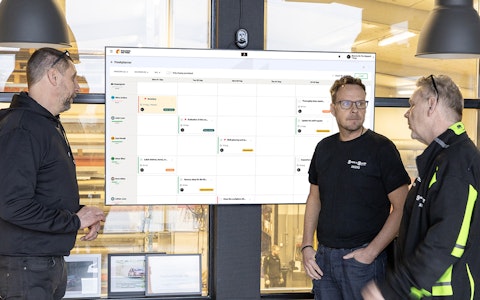
Få full koll på allt som ska göras med hela teamets uppgifter i en tydlig veckovy.
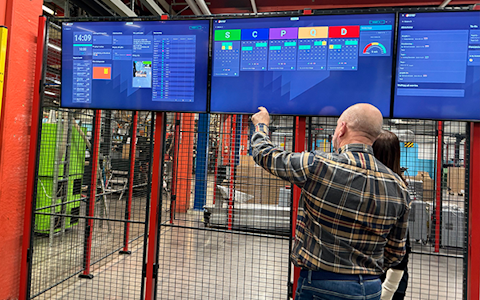
Förbättra viktiga nyckeltal inom just era fokusområden med vår SQCDP-tavla.

Använd PDCA-cykeln som ett verktyg för att förbättra både kvalitet och processer.
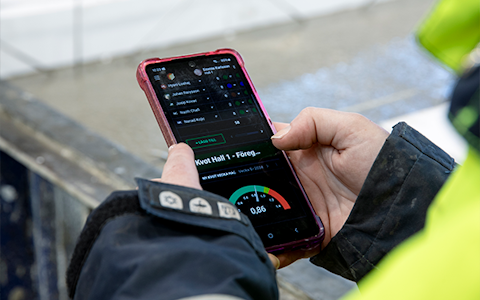
Digitala verktyg för 5S-arbete, återkommande audits och en välorganiserad arbetsplats.
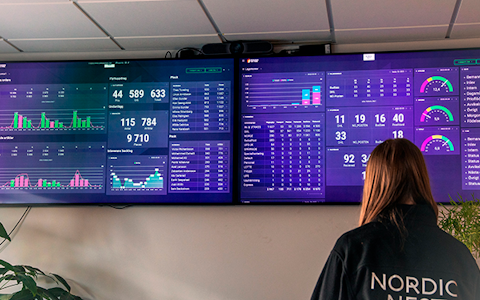
Visualisera nyckeltal och kommunicera effektivt i hela organisationen!

Enkel hantering av projekt och aktiviteter i Boards on Fire.
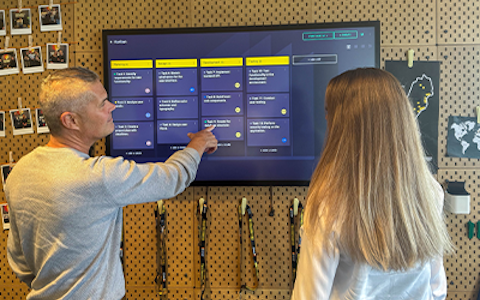
Kanban är en kraftfull metod för att visualisera, hantera och optimera arbetsflöden.
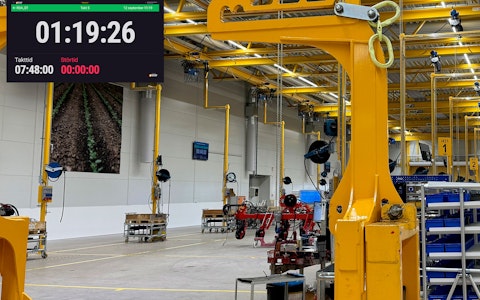
Digitala tavlor för taktat flöde med taktklocka och stopptid.

Digital besöksregistrering ger full koll på alla planerade och genomförda besök till verksamheten.
This is a guide on how to integrate your systems with Boards on Fire using ".csv" files.
.csv (comma-separated values) files are similar to Excel files, with the difference that the values are not arranged in a table. Instead, the "columns" of values are separated by commas (","). Below you can see a comparison between Excel sheets and .csv files. CSV is an established standard, and many systems can automatically generate files of this type.
Excel file / .csv file
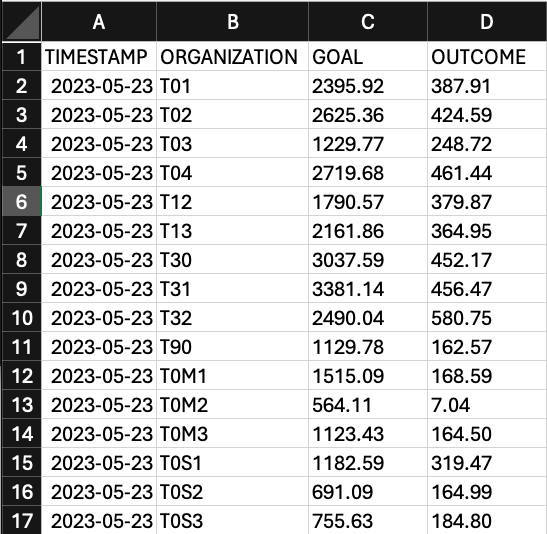
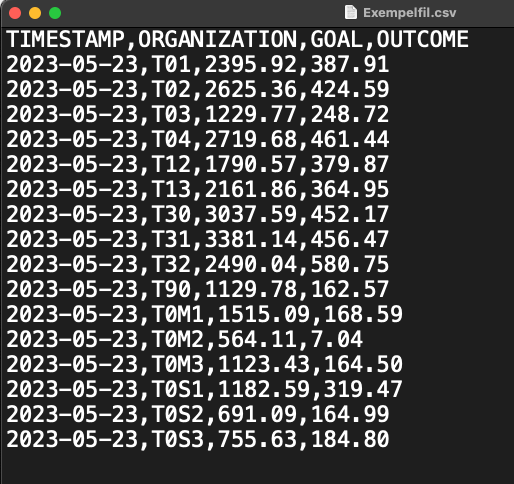
A .csv file should contain values that are related to each other. By that, we mean you shouldn't mix KPIs such as OEE & Accidents in the same file. A file can have unlimited "columns" (values), but they should all belong to the same data source/entity. This also means that each data source in BoF that is supposed to receive data needs its own .csv file. Each "column" is matched with a field in the data source/entity you want to link the file to.
In a .csv file, each row represents a date for an organization in BoF. In the example, the fields "GOAL" & "OUTCOME" have the values 1229.77 and 248.72 respectively for the date 2023-05-23 in the organization "T03".
There are two values (columns) that each row in your file must contain. These are:
These values (columns) represent the fields in BoF (in the example, "GOAL" & "OUTCOME"). There are some rules for them:
The file name should not be altered during its use; therefore, it should not contain dates. For each upload, the file name must exactly match the first file you uploaded. Other rules include:
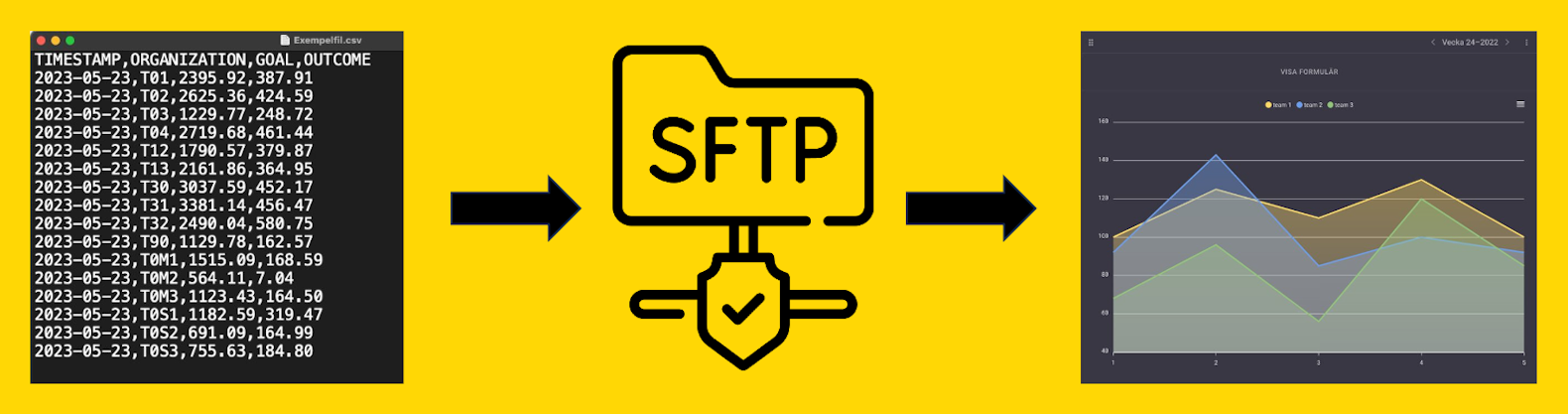
Once the file conforms to the above format, it's time to upload it to our server.
You will be assigned a folder on our server, accessible via an SFTP client. Once we have approved the file, you will receive login credentials for the server.
From the moment the file is placed on the server, it can take up to 5 minutes for the data to appear on your boards in BoF, although usually it takes around 30-60 seconds.
As a rule, the maximum frequency should be 1 upload every 15 minutes per file. However, there may be scenarios where the frequency can be increased. If desired, please inform our support department. With high upload frequencies, you can advantageously write a script that automatically sends the files to our server.
When setting up a CSV integration, each value (column) is mapped to a field in a data source/entity in BoF. When you then upload files to our server, each row is automatically read, and the values are sent to the organization described by the value in the "ORGANIZATION" column.
If there is already a value for the organization, date, and field described in the file, it will be overwritten by the value in the file. Data that arrives in your BoF environment via an integration is saved permanently, just like any other data.
If you have any questions or concerns regarding integrations with Boards on Fire, you can always reach out to support@boardsonfire.com.
Gratis webbdemo