
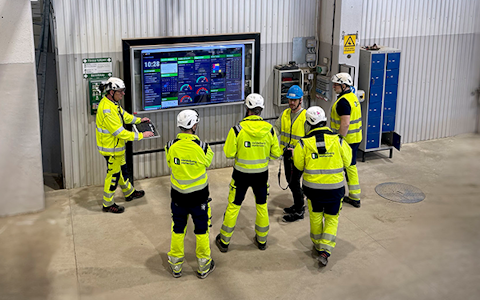
Digital dashboards that help you identify deviations and make the right decisions.

Continuous improvement, Kaizen boards, PDCA and other tools.

Capture your deviations and turn them into improvements

Real-time control for takt-based production. Detect disruptions as they happen, respond faster, and keep production on pace.

Integrate Boards on Fire with ERP, MES, OEE, Power BI and other systems. Automate data flows, reduce administration and act faster.
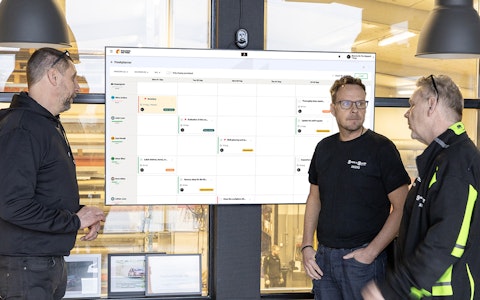
All your team’s tasks, neatly organized in one weekly view.
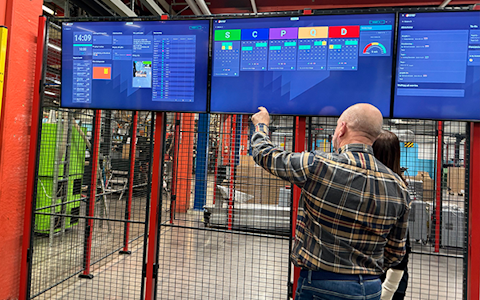
Improve key performance indicators within your specific focus areas with our SQCDP board.

Use the PDCA cycle as a tool to improve both quality and processes
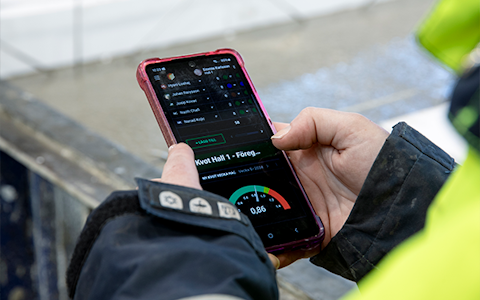
Digital tools for 5S work, recurring audits, and a well-organized workplace.

Basic project management and activity boards.
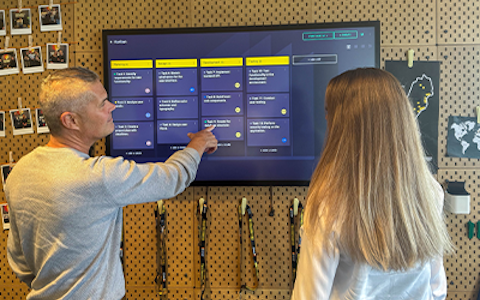
Kanban is a powerful method for visualizing, managing, and optimizing workflows.
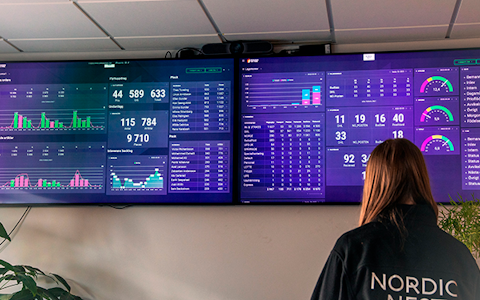
Visualize KPIs and communicate effectively throughout the entire organization.
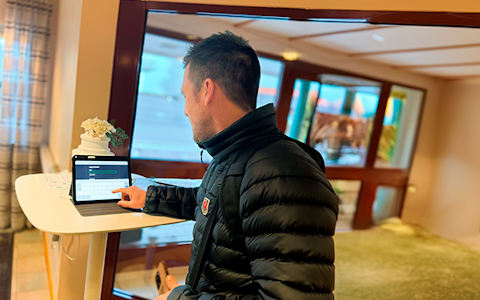
Digital visitor registration provides full control over all planned and executed visits to your business.
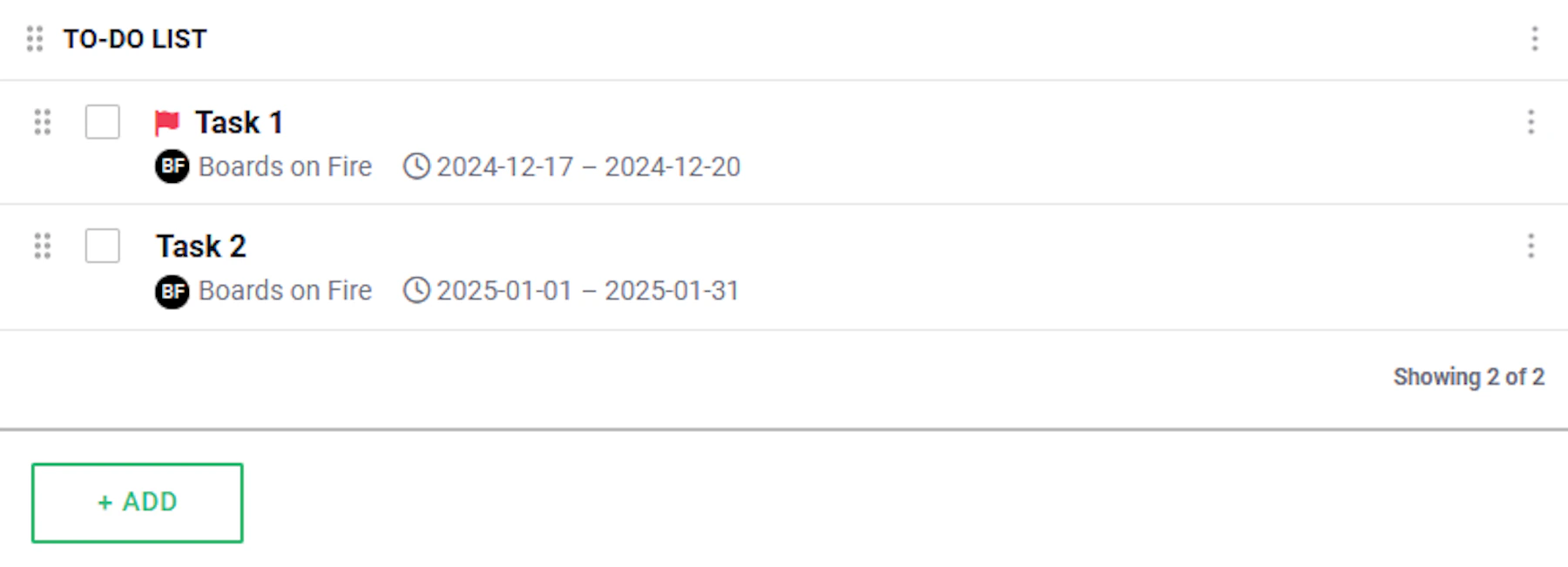
The To-Do List is a powerful tool for creating order, increasing efficiency, and ensuring that all tasks are handled on time. By actively using this tool, you can foster a work environment where responsibility distribution, communication, and productivity are significantly improved.
The clear structure makes it easy to break down large tasks into smaller, more manageable steps, providing both an overview and a sense of progress. You can also use the list to follow up on tasks, ensuring nothing is forgotten and that everyone responsible knows what is expected of them.
When using the To-Do List, it is important to remember that tasks are unique to the organization in which they are created. This means that tasks cannot be aggregated, copied, or mirrored between different organizations. Therefore, ensure that you create and manage your tasks within the correct organization from the start to avoid information loss or duplication.
To create a new task, simply click on “+ Add”.
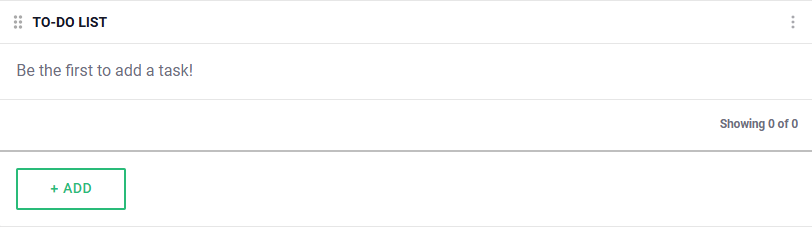
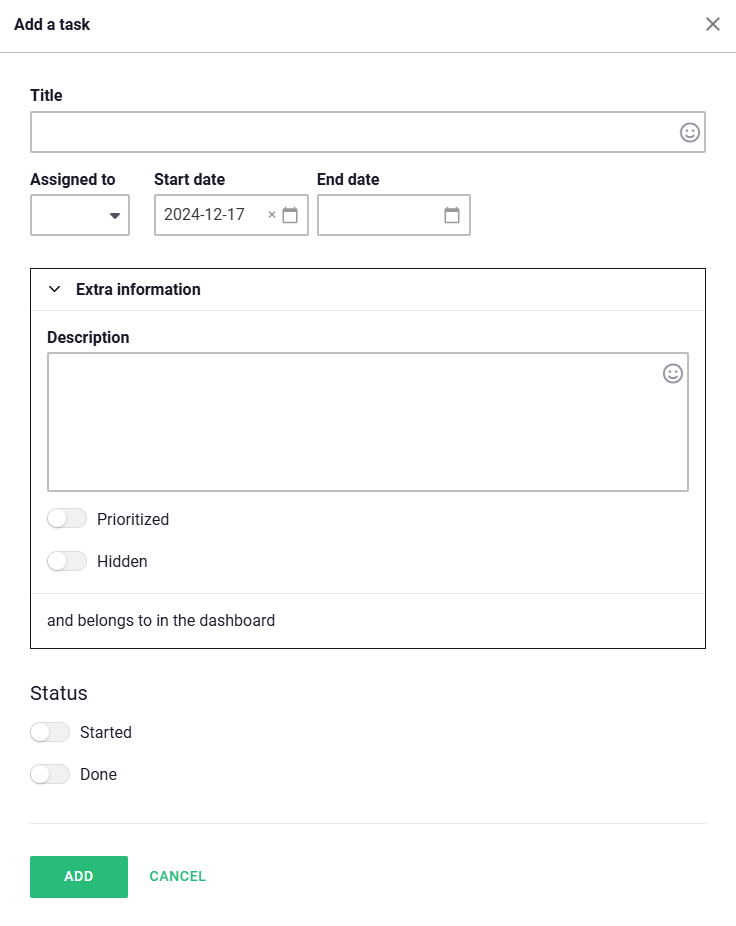
Then you fill in the form with all the necessary information, such as:
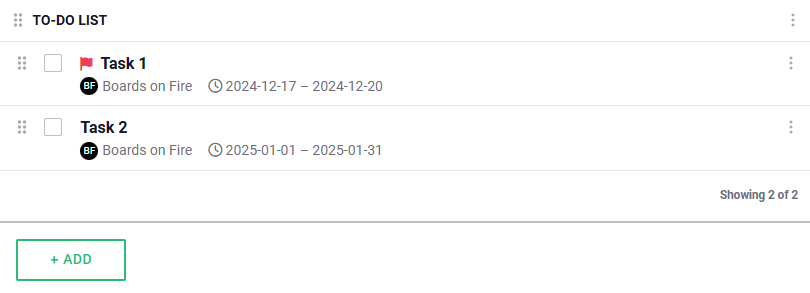
All done! You will now find your entered tasks in the To-Do List.
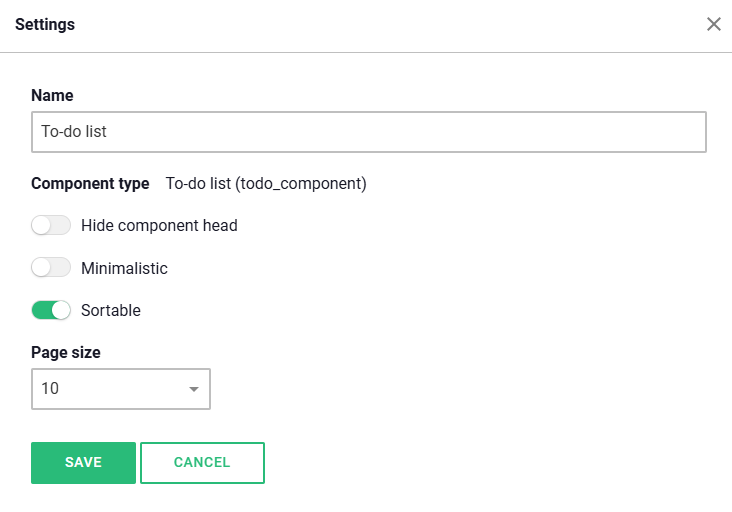
Within the settings for the component, you can adjust the following appearance settings.
Free web demo