
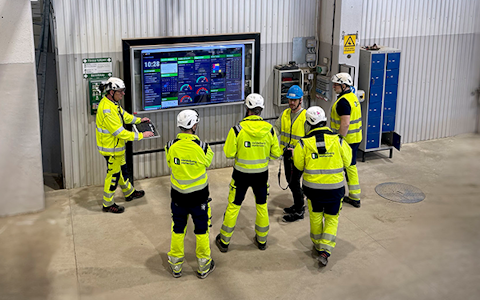
Digital dashboards that help you identify deviations and make the right decisions.
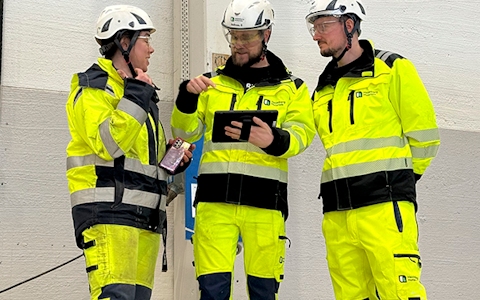
Continuous improvement, Kaizen boards, PDCA and other tools.
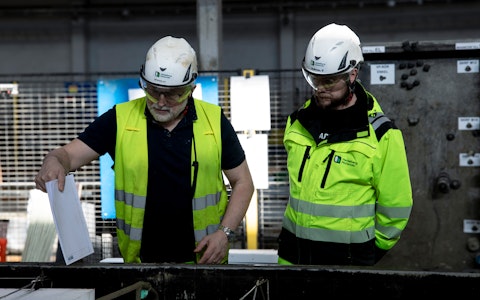
Capture your deviations and turn them into improvements

Real-time control for takt-based production. Detect disruptions as they happen, respond faster, and keep production on pace.

Integrate Boards on Fire with ERP, MES, OEE, Power BI and other systems. Automate data flows, reduce administration and act faster.
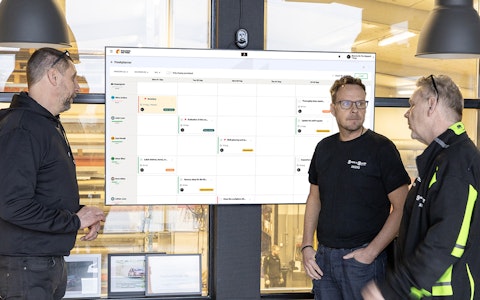
All your team’s tasks, neatly organized in one weekly view.
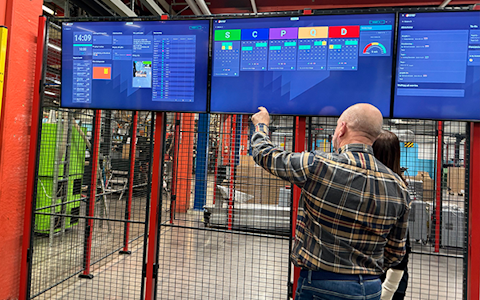
Improve key performance indicators within your specific focus areas with our SQCDP board.
Use the PDCA cycle as a tool to improve both quality and processes
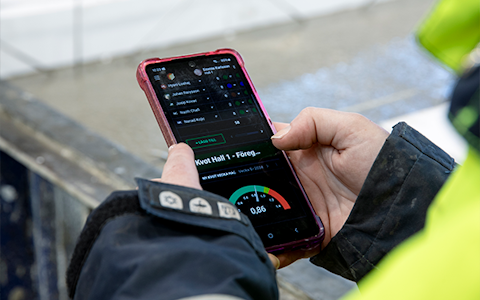
Digital tools for 5S work, recurring audits, and a well-organized workplace.
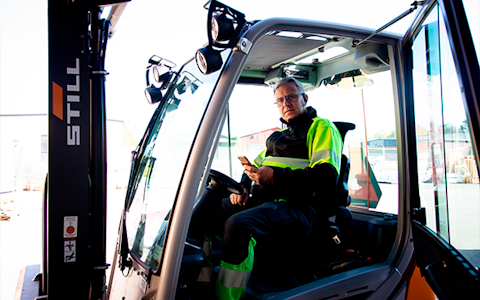
Basic project management and activity boards.
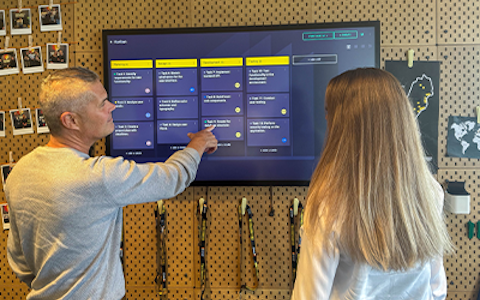
Kanban is a powerful method for visualizing, managing, and optimizing workflows.
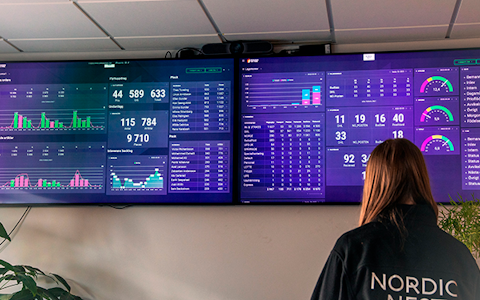
Visualize KPIs and communicate effectively throughout the entire organization.
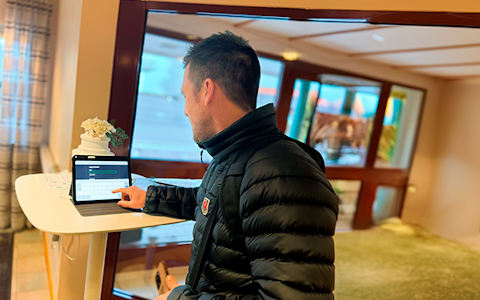
Digital visitor registration provides full control over all planned and executed visits to your business.
A data carrier is used to represent parts of your operations where you want to register and track data, but where you do not need separate boards in Boards on Fire.
Data carriers are created in the organisation tree and work in many ways like regular organisations when it comes to data. The main difference is that a data carrier cannot contain any boards.
A data carrier is useful when you need a level in the organisation tree to connect data to, but do not need a separate board for that level.
A common example is machines.
If a production department has several machines, each machine can be created as a data carrier under the department. This makes it possible to keep data separate and track the performance of each machine without having to create a regular organisation with its own boards for every machine.
For example, the structure could look like this:
Production
↳ Machine 1 (Data Carrier)
↳ Machine 2 (Data Carrier)
↳ Machine 3 (Data Carrier)
In this example, Production is a regular organisation where the boards are located, while the machines are used as data carriers.
Data from the data carriers can then be mirrored or aggregated into components on other boards. This allows you to display data from a specific machine or create an overview based on data from several machines.
Data carriers are created in the same place as organisations.
The data carrier is now available in the organisation tree and can be used to register and structure data.
The main difference is whether the level needs its own boards.
Choose a regular organisation if, for example, a team, department or area needs its own boards to work with.
Choose a data carrier if you mainly need a level to connect and track data on, but do not need any boards of its own.
Data carriers are therefore particularly useful for machines, equipment, production lines, workstations or other resources that you want to track separately in Boards on Fire.
Free web demo