Digital dashboards that help you identify deviations and make the right decisions.

Continuous improvement, Kaizen boards, PDCA and other tools.

Capture your deviations and turn them into improvements

Real-time control for takt-based production. Detect disruptions as they happen, respond faster, and keep production on pace.

Integrate Boards on Fire with ERP, MES, OEE, Power BI and other systems. Automate data flows, reduce administration and act faster.
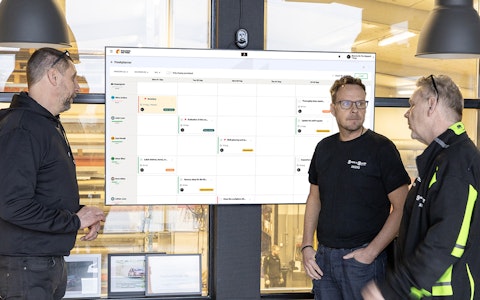
All your team’s tasks, neatly organized in one weekly view.
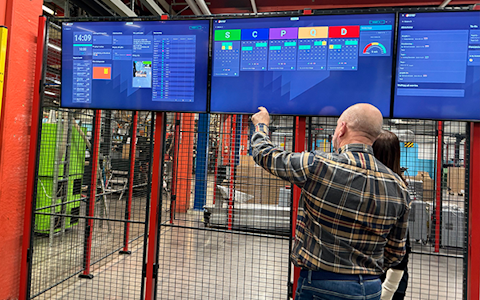
Improve key performance indicators within your specific focus areas with our SQCDP board.

Use the PDCA cycle as a tool to improve both quality and processes
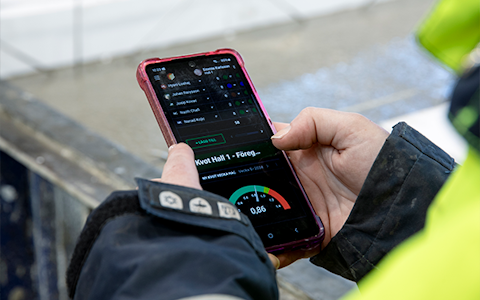
Digital tools for 5S work, recurring audits, and a well-organized workplace.

Basic project management and activity boards.
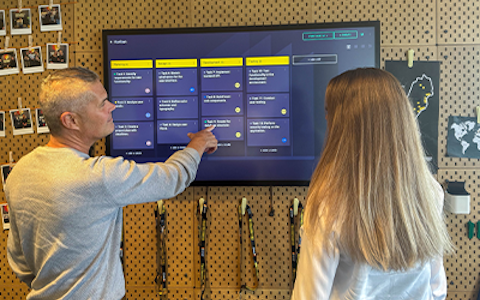
Kanban is a powerful method for visualizing, managing, and optimizing workflows.
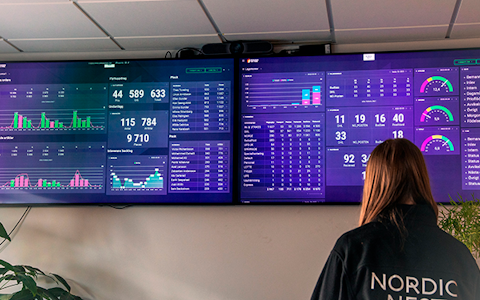
Visualize KPIs and communicate effectively throughout the entire organization.
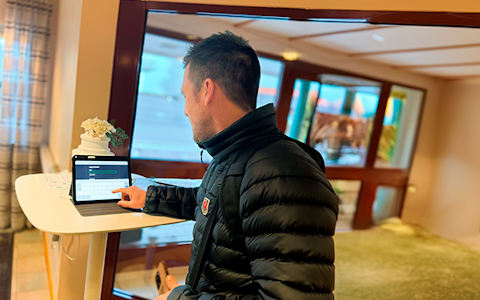
Digital visitor registration provides full control over all planned and executed visits to your business.
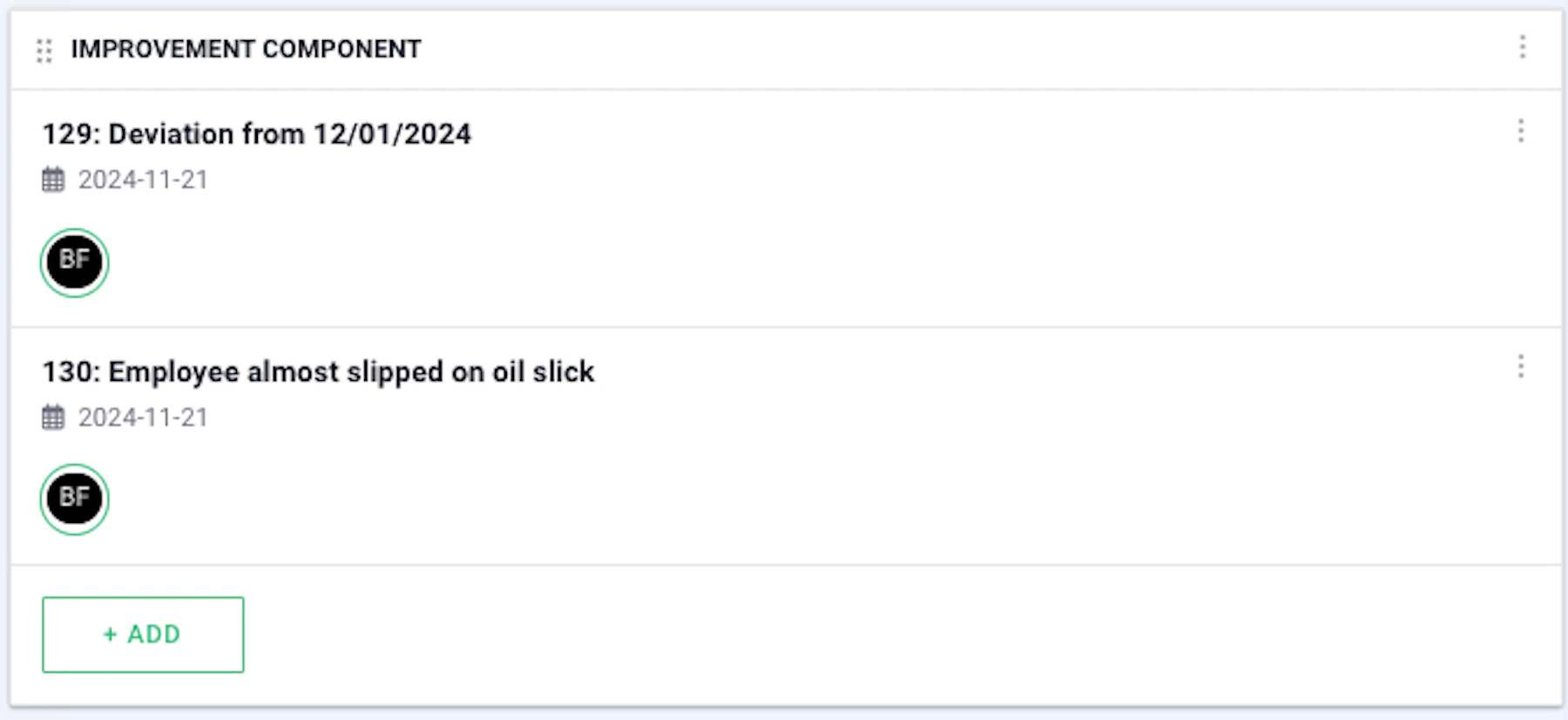
The continuous improvement component is used to both visualize and add the improvements that should be implemented in the workplace.
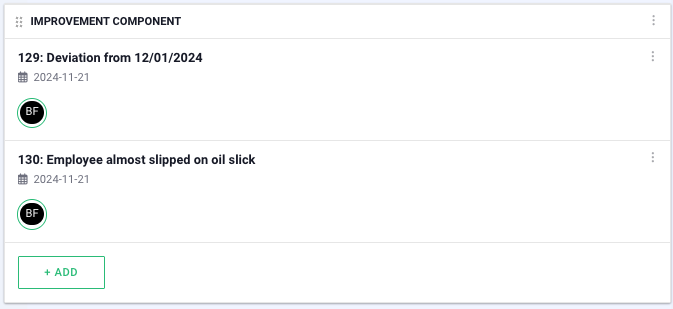
In the component settings, you can select which improvement stages you want to display, where the “active” option shows all improvements except the completed ones. In the organization settings, you can also choose which organizations’ improvements should be displayed.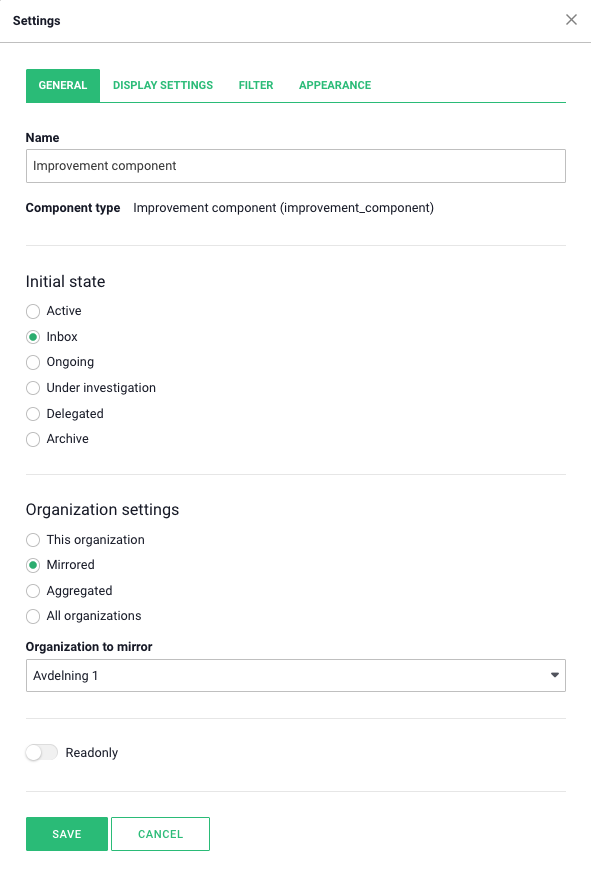
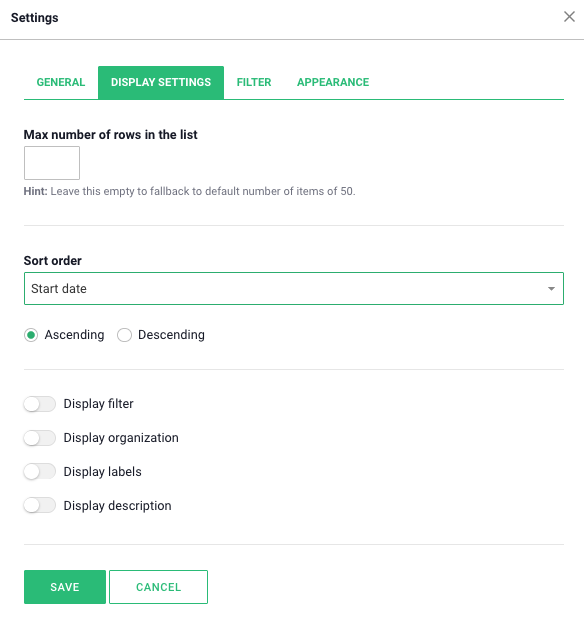
Under the display settings tab, you can set a maximum number of rows to be displayed. There is also an option to sort by different categories if desired, as well as to choose whether the sorting should be in ascending or descending order.
You can filter by specific labels under the “Filter” tab. Labels can only be created when adding a new improvement, meaning it is not possible to create new labels in the component’s settings.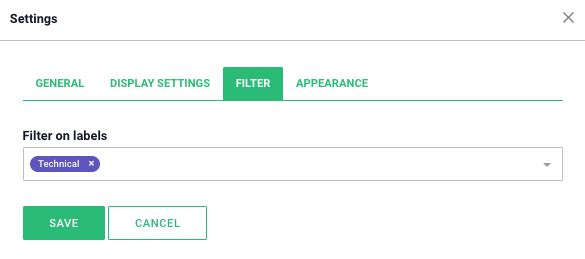
To hide the add button, preventing new improvements from being added, use the “hide add button” option under the appearance tab.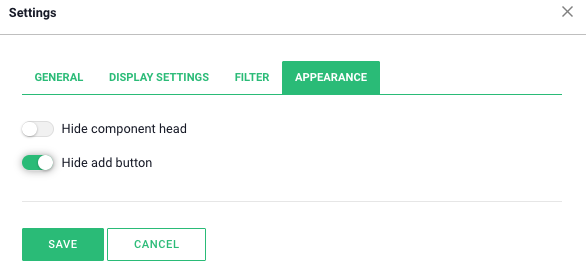
There are many smart add-on features in Boards on Fire. As a logged-in user, you can find a list of them all under Add-ons in the left-hand menu!
There are many smart add-on features in Boards on Fire. As a logged-in user, you can find a list of them all under Add-ons in the left-hand menu!
Free web demo