

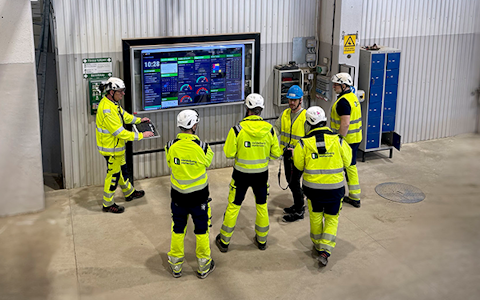
Digital dashboards that help you identify deviations and make the right decisions.

Capture your deviations and turn them into improvements
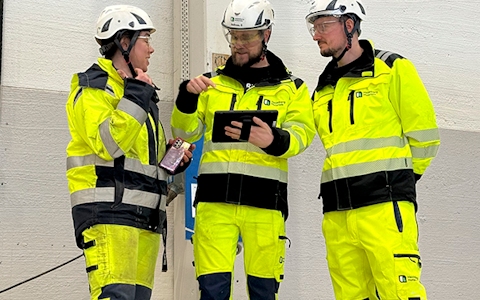
Continuous improvement, Kaizen boards, PDCA and other tools.
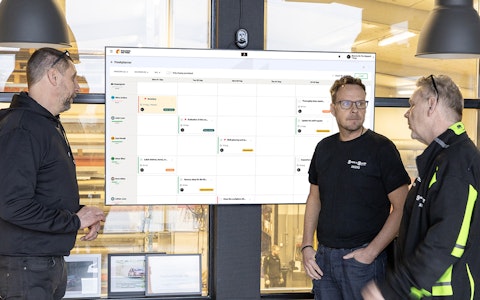
All your team’s tasks, neatly organized in one weekly view.
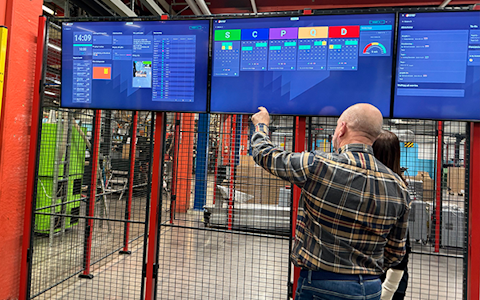
Improve key performance indicators within your specific focus areas with our SQCDP board.

Use the PDCA cycle as a tool to improve both quality and processes
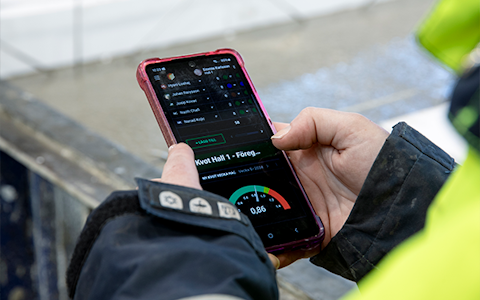
Digital tools for 5S work, recurring audits, and a well-organized workplace.
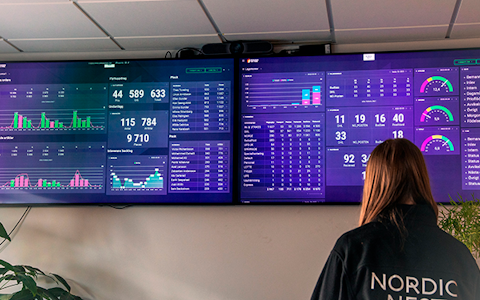
Visualize KPIs and communicate effectively throughout the entire organization.

Basic project management and activity boards.
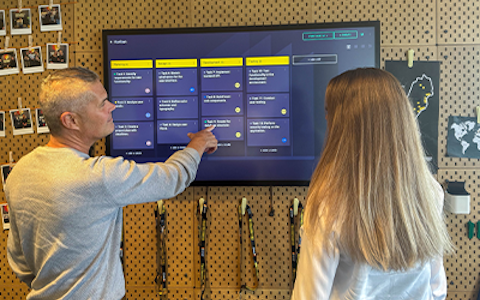
Kanban is a powerful method for visualizing, managing, and optimizing workflows.

Digital dashboards for takt time flow with takt time counter and stop time log.
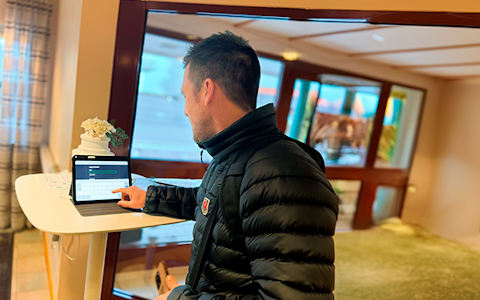
Digital visitor registration provides full control over all planned and executed visits to your business.
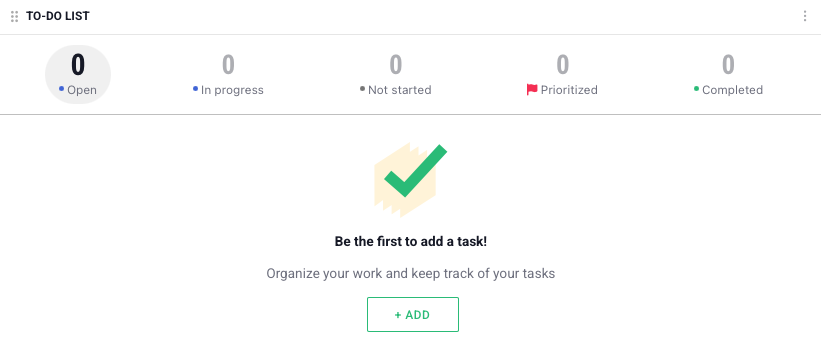
The component ToDo-List lets you create tasks which can be distributed among people in your organization. This component need barely any setup, as opposed to improvements, deviations and entitites. The trade-off is that the tasks can't be delegated to other organizations afterwards.
Komponenten består av en lista med alla uppgifter, denna lista kan även filtreras genom att klicka på de olika stadierna en uppgift kan befinna sig i.
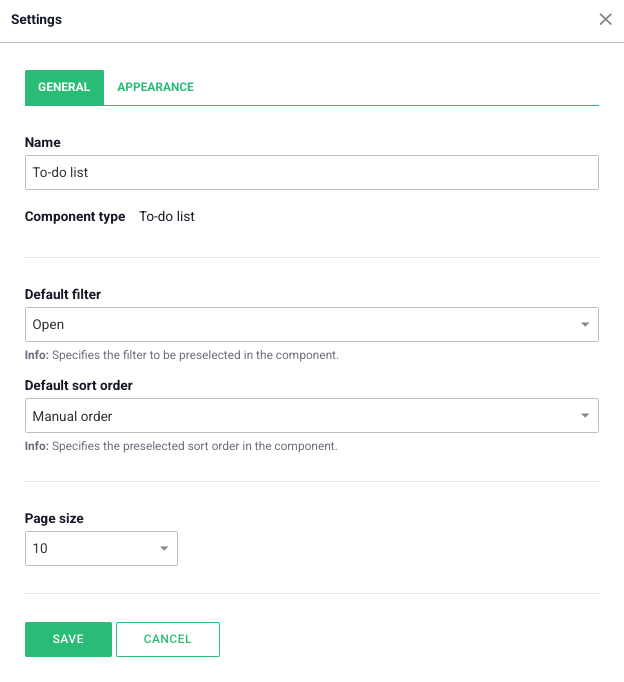
Under the tab General you can change the name of the component, change which filter should be the default and adjust the sorting of the list. You can also change the maximum amount of objects which may be visible in the list.
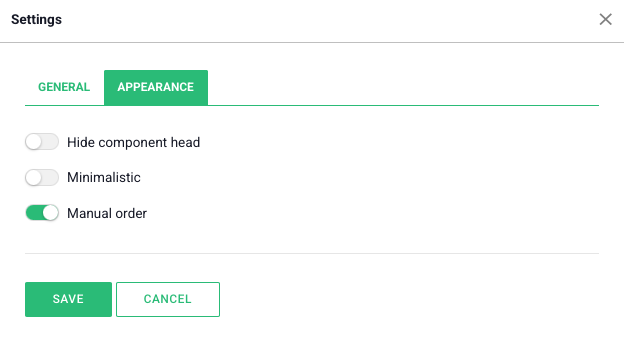
Under the tab Appearance you can, besides hiding the component head, also give the list a minimalistic look or allow/disallow manual ordering of the list.
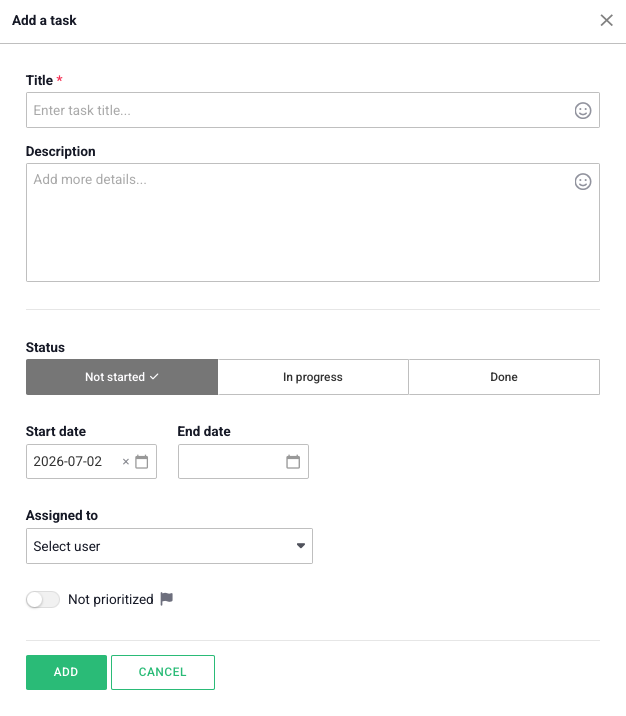
When you add a task to the list you may first give it a title and discription. After that you can choose in which stage the task is as well as the relevant date interval. You can also appoint a responsible user for the task and mark it is prioritized.
When tasks has been added to the list it looks like this:
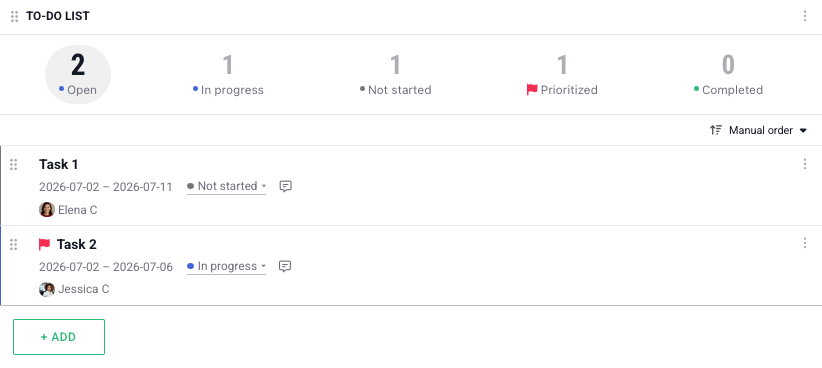
To adjust the order of the tasks you can drag and drop the left part of the task in question.
Free web demo