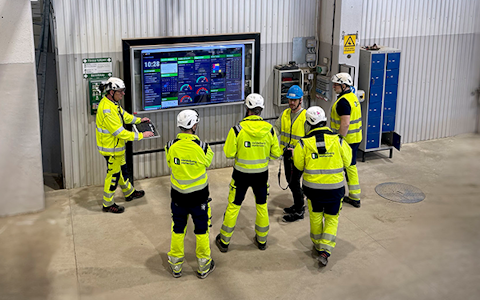
Digitala pulstavlor som hjälper dig att fånga avvikelser och fatta rätt beslut.
Fånga era avvikelser och förvandla dem till förbättringar.
Digitala förbättringstavlor och andra verktyg för ständiga förbättringar
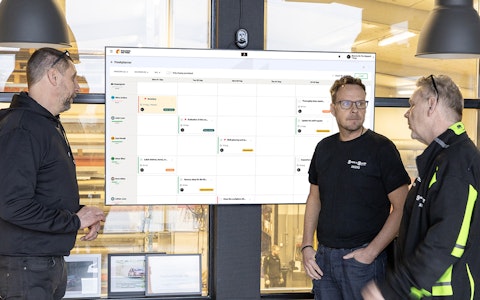
Få full koll på allt som ska göras med hela teamets uppgifter i en tydlig veckovy.
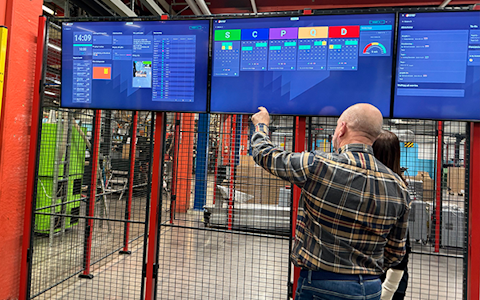
Förbättra viktiga nyckeltal inom just era fokusområden med vår SQCDP-tavla.
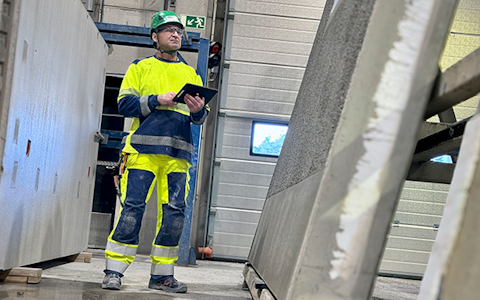
Använd PDCA-cykeln som ett verktyg för att förbättra både kvalitet och processer.
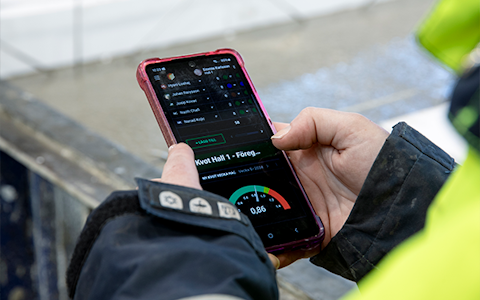
Digitala verktyg för 5S-arbete, återkommande audits och en välorganiserad arbetsplats.
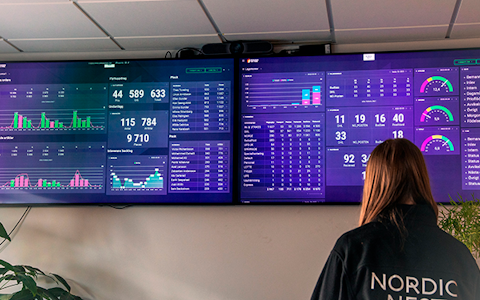
Visualisera nyckeltal och kommunicera effektivt i hela organisationen!
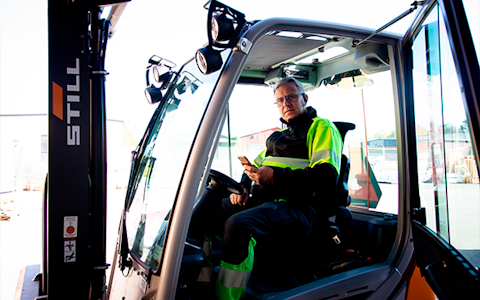
Enkel hantering av projekt och aktiviteter i Boards on Fire.
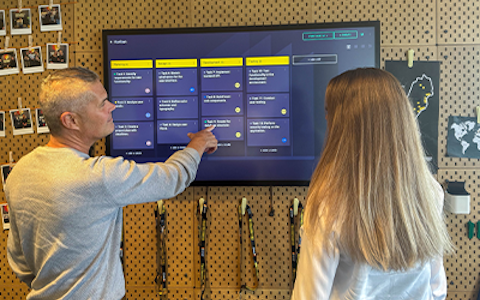
Kanban är en kraftfull metod för att visualisera, hantera och optimera arbetsflöden.

Digitala tavlor för taktat flöde med taktklocka och stopptid.
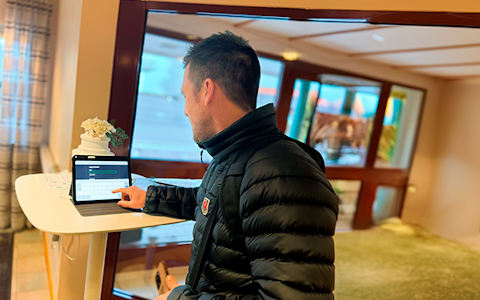
Digital besöksregistrering ger full koll på alla planerade och genomförda besök till verksamheten.
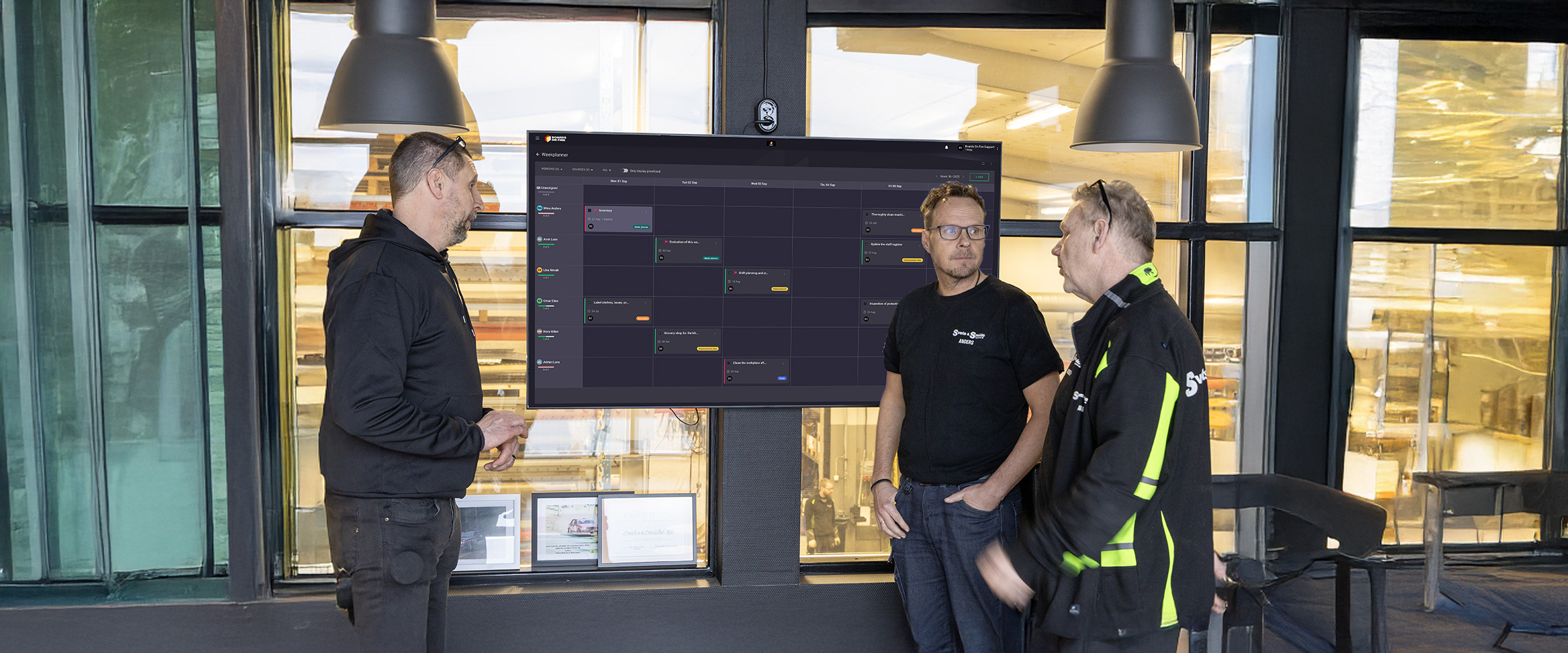
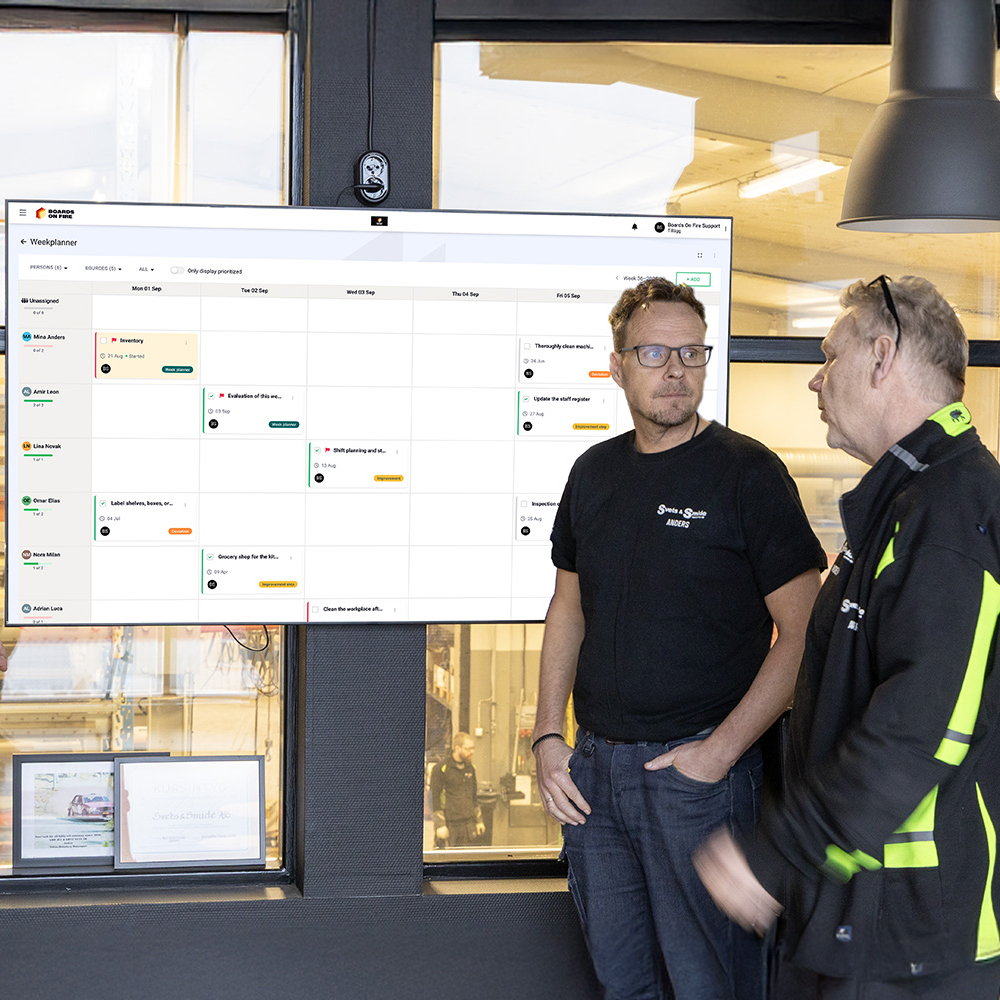
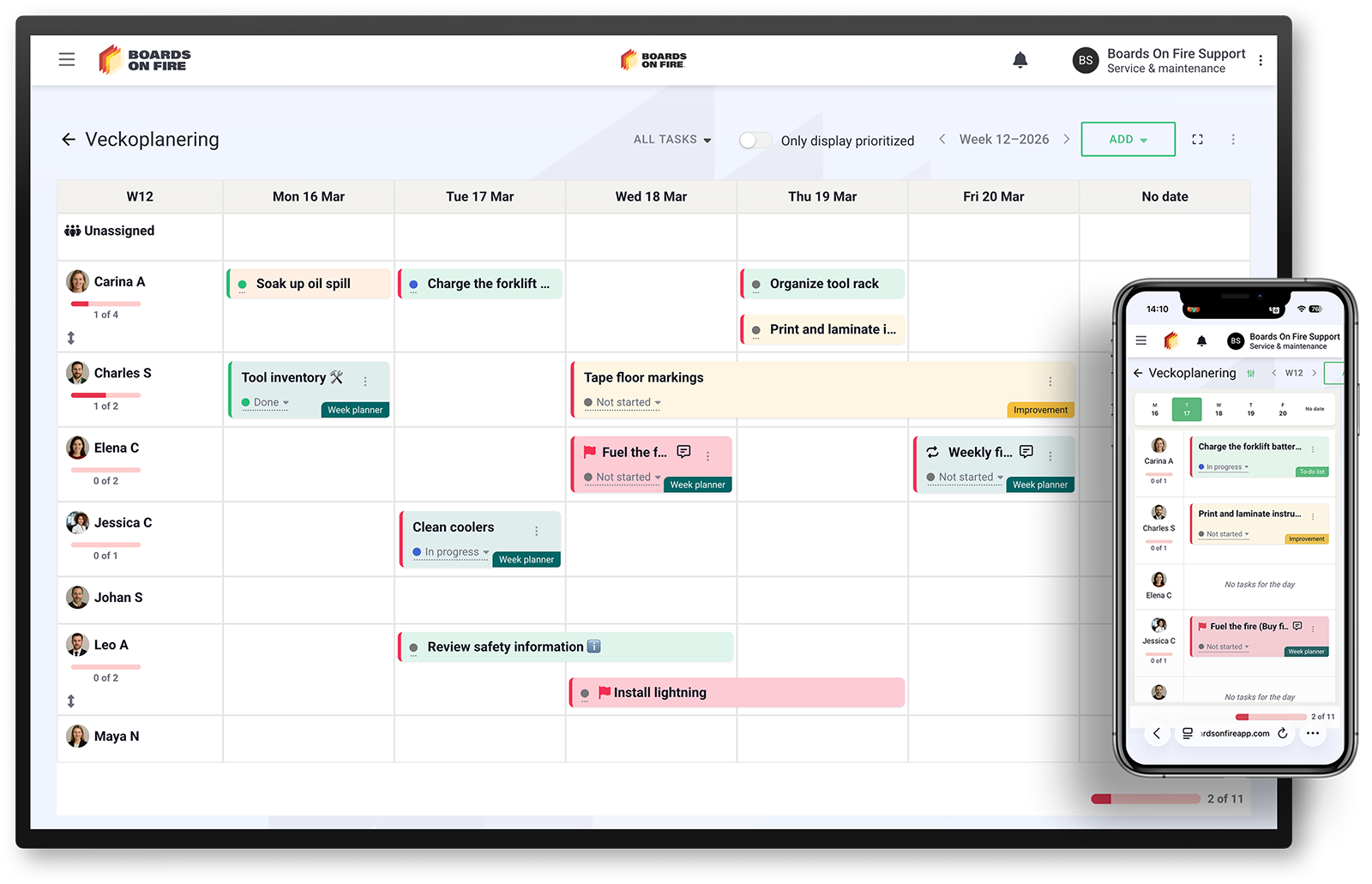
The Week planner in Boards on Fire gives you and your team a clear overview of all tasks for the week. With a simple calendar view, you can instantly see who’s doing what, when it’s due, and what matters most.


















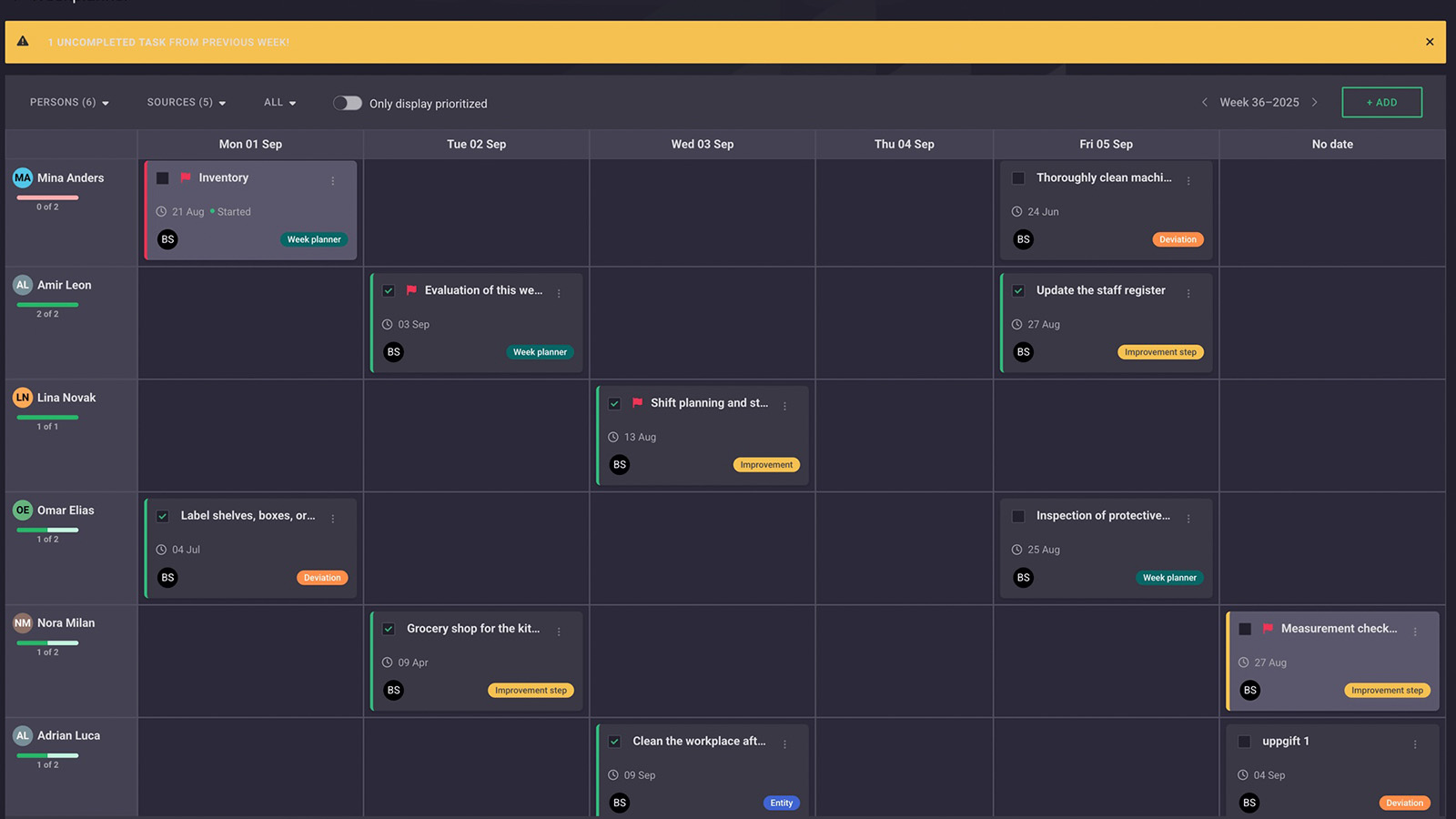
In an organization where both time and information flow quickly, a user-friendly digital planning tool becomes indispensable. With Week planner in Boards on Fire, you get a powerful digital tool that simplifies everyday work, creates clarity, and strengthens collaboration. It’s the perfect way to structure, assign, and follow up on tasks – week by week, in a sustainable, flexible, and digitally optimized format.
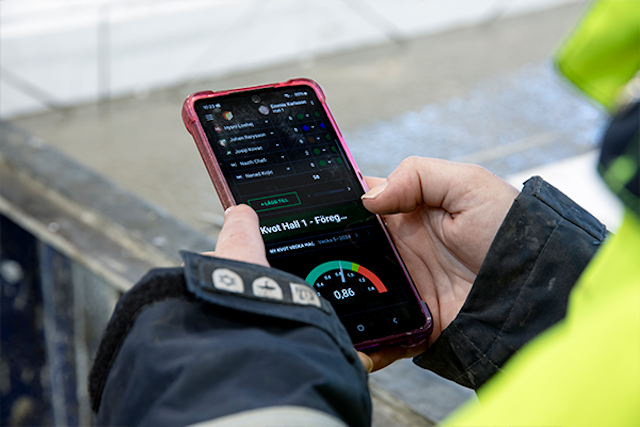
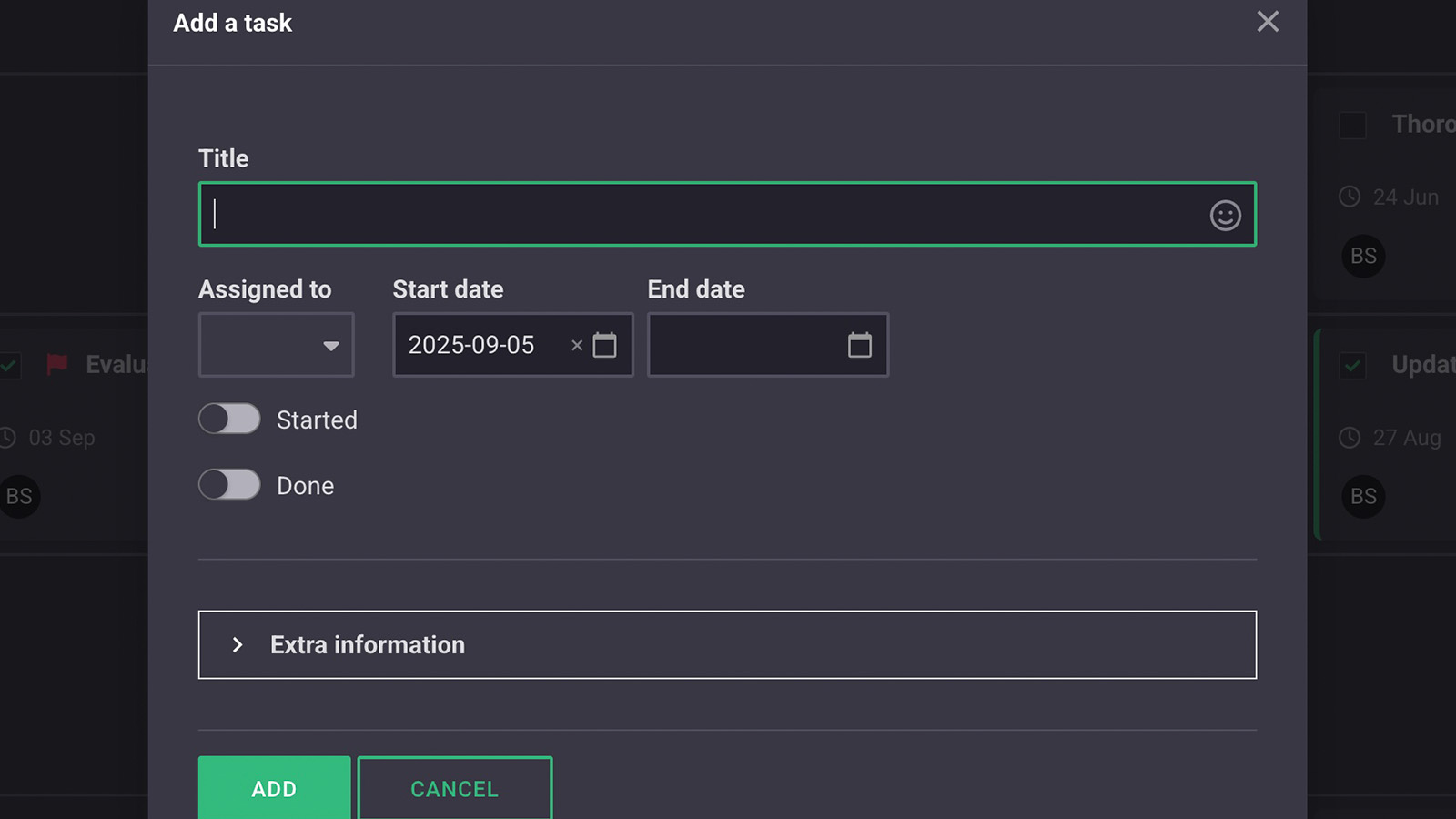
The Week planner is built on a calendar view where you can easily add tasks with title, responsible person, start and end date. Assign tasks to one or several people. Filter by different types of tasks, such as to-do lists, deviations, or improvements. And see the status of the entire team’s tasks – green for completed, red for delayed.
It becomes easy to follow the team’s capacity and see, for example, if someone has too much to do or has time left over. You can quickly reschedule and reassign tasks with drag-and-drop. A smart feature is that tasks follow the person. If a user is assigned a task in one department, it also appears in other weekly overviews where the same user is included.
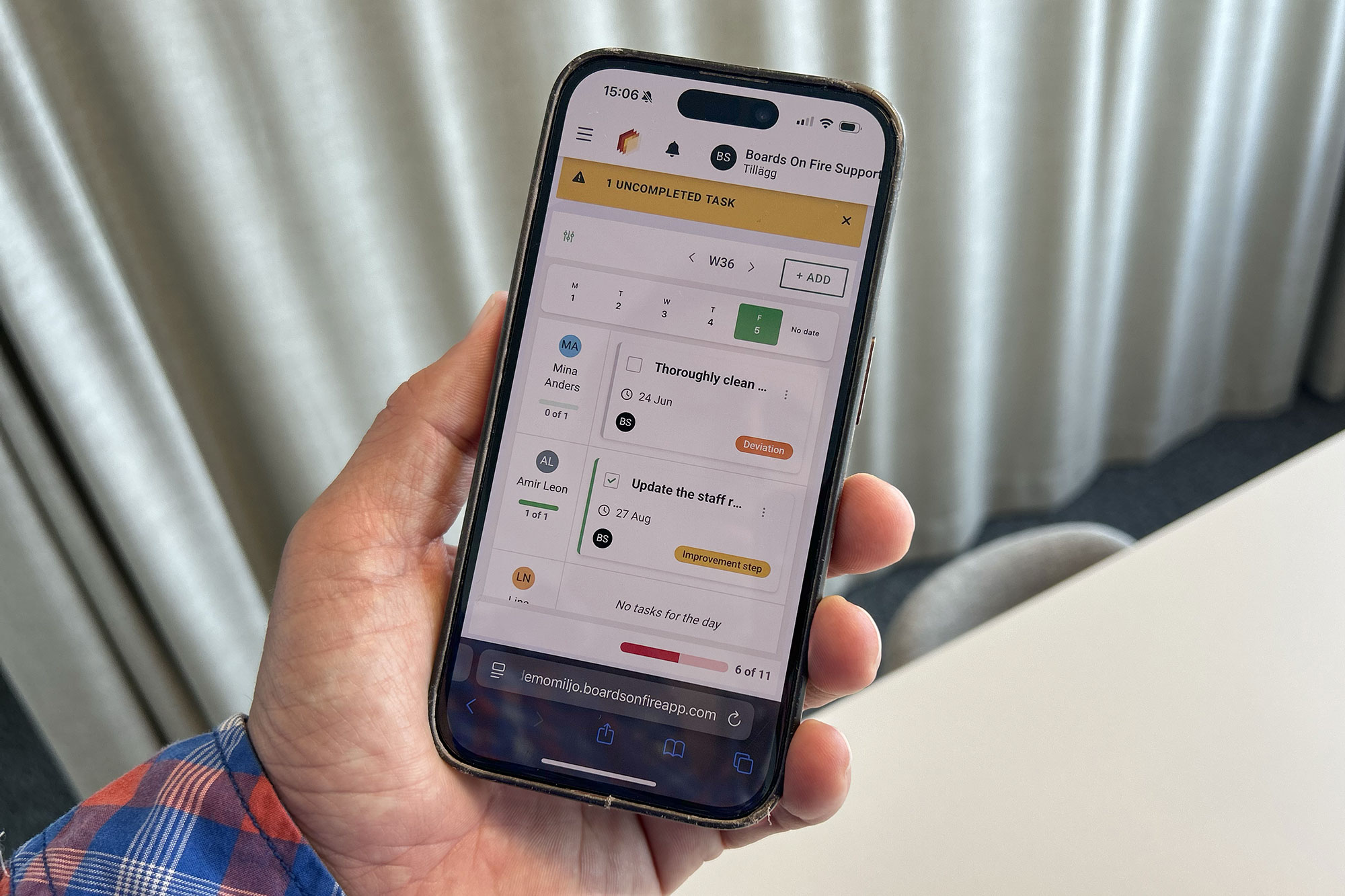
Week planner lets you plan and follow up from wherever you are, at any time – in a meeting on a big screen as well as via mobile phone, tablet, or computer.
Gratis webbdemo
Week planner becomes a powerful tool in the team’s Lean work in several ways:
A shared, transparent calendar view makes task distribution, priorities, and status visible to everyone. This reduces the need for unnecessary check-ins and email threads.
Color coding and notifications immediately show if tasks are delayed or at risk of being delayed. The team can act quickly and avoid wasted waiting time.
Week planner makes it clear who has too many or too few tasks. This enables more balanced resource allocation and increased efficiency.
With clear responsibility assignment and real-time updates, it becomes easy for team members to take on tasks themselves and drive them forward – instead of being overloaded from above.
Tasks that carry over between weeks highlight recurring problem areas. This provides a basis for improvement work and reduced bottlenecks.
All data is collected in a single digital view, accessible to everyone. No double reporting, no risk of losing things in Excel or on whiteboards.
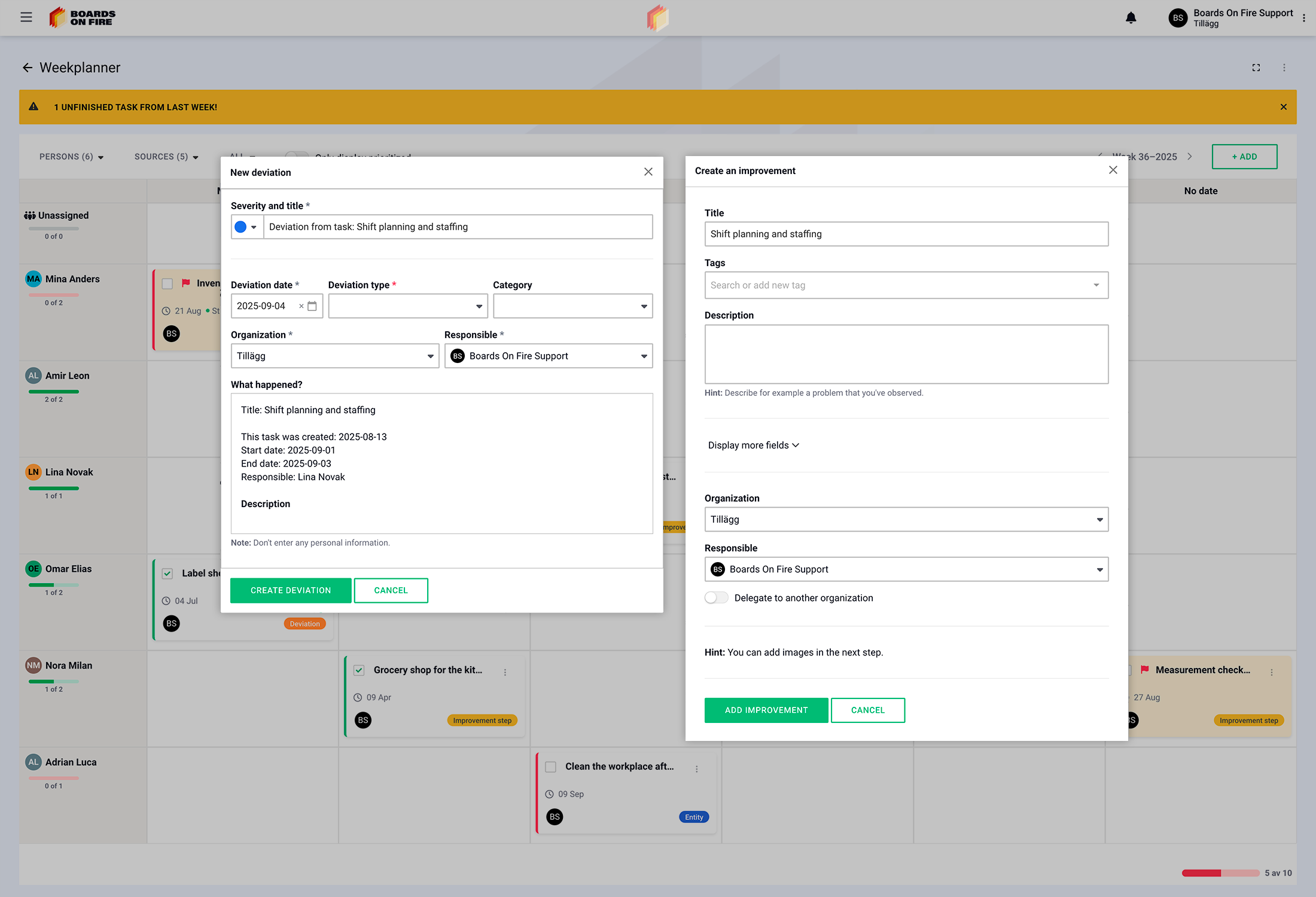
The ability to filter by different types of tasks (to-dos, deviations, improvements) creates a consistent structure for how the team plans and follows up on its work.